— Portfolio —
wyz create
making kits for kids
1. OVERVIEW
Context
Wyz Create offered a free visual app-making platform for kids (iOS app + M1) + live group classes on Outschool teaching kids to make specific app projects. The startup company was having trouble scaling the product with limited resources.
Product Goal
Create a scalable, fun, and intuitive way for kids to learn to build their own apps using the Wyz Create platform.
Scope
Branding: 2 weeks
Product Design: 3 months
Wyz Kit Theme Dev: 2 weeks per kit
Team & Roles
Product Strategy: Jasmine Reynoso
Product Design (Visuals/UX/UI): Jasmine Reynoso & usability testers
Product Development (Learning Content): Amanda H., Stephanie B., & usability testers
Engineering: Awele N.
Tools
Asana, Illustrator, Photoshop, InDesign, After Effects, Procreate, WordPress/Divi, Canva, Wyz Create
Case Study Menu
1. Overview
2. Learn
3. Define
4. Plan
5. Design
6. Test
7. Reflect
2. Learn
Customer feedback and our own growth concerns lead me to rethink our live-class business model. The result was an opportunity to offer our customers more flexibility and fun with subscription app-making projects that also allowed us to scale efficiently.
Customer FEEDBACK
Parents and kids in our live classes were saying:
– Do you have more classes with new projects?
– Do you offer different class times?
Company Friction
Internally we were saying the following regarding growth:
– Training teachers has proven difficult given the investment of time & resources, especially given 3 out of 5 teachers dropped out.
– Internally our expert teachers are also the head engineer and product developer. Our team is stretched thin to create & teach new classes, so how can we grow?
Research & Competitive Analysis
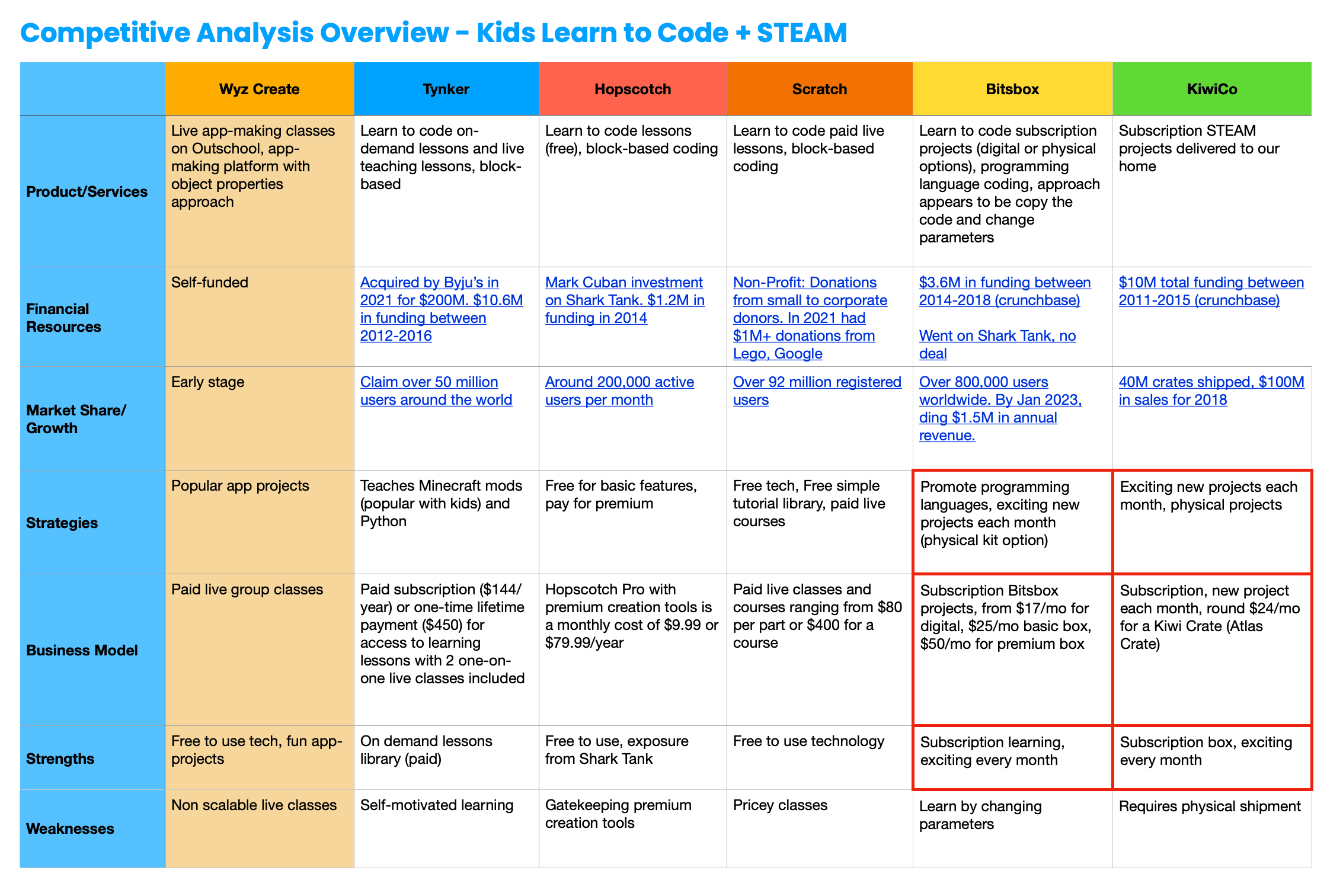
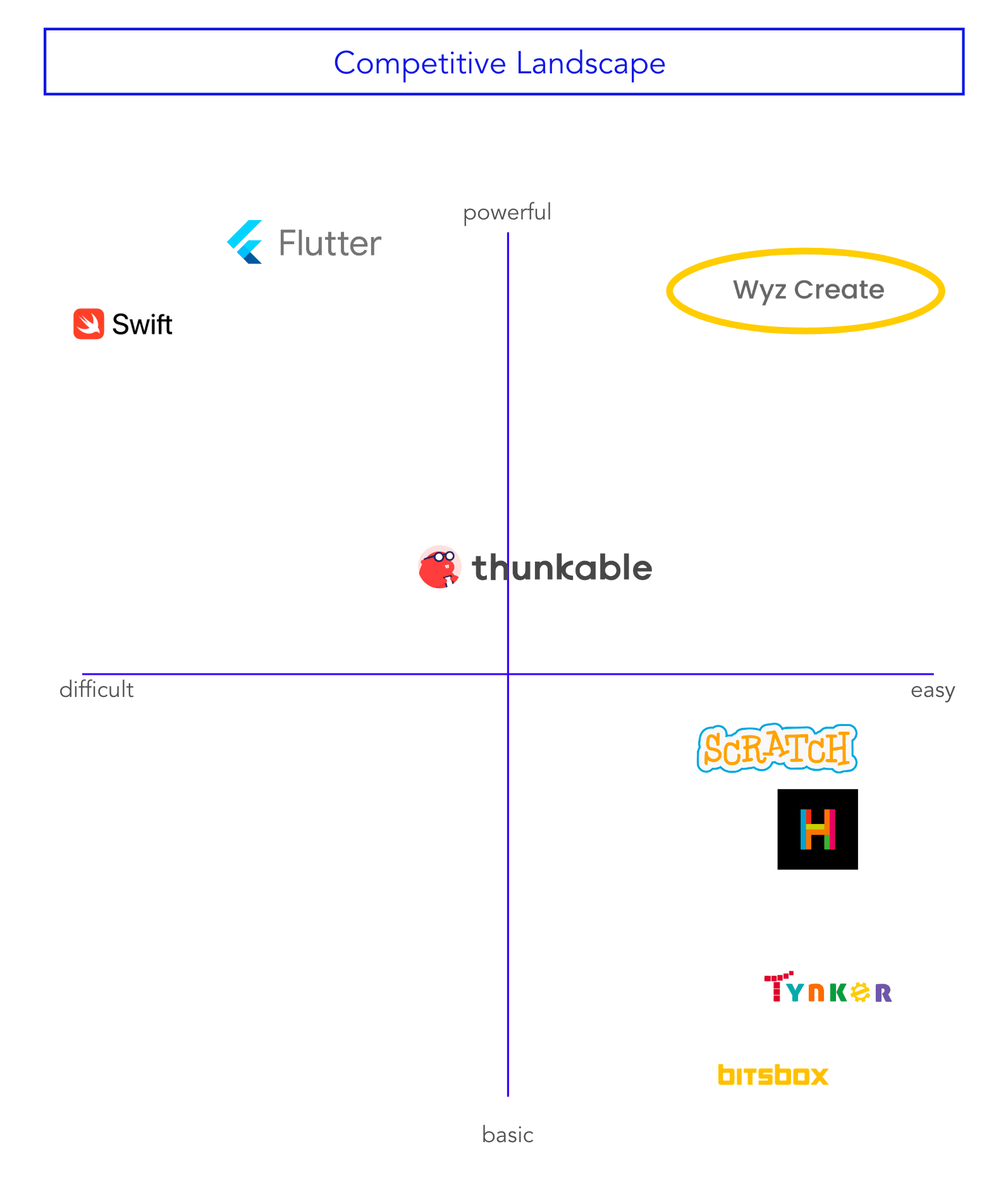
I researched popular kids’ STEAM & Learn-To-Code products to better understand what kids and families were familiar with. No one seemed to be offering subscription app-making projects as part of a visual coding platform which was a space we could fill.
User Research
The current business & product model at the time consisted of live 1 hour group classes on the Outschool platform. Kids could sign up for single lessons based on compatibility with their timezone. To (1) better understand the objectives of parents interested in our classes and (2) gauge the value of the objectives in the new digital subscription model, online surveys were sent out to existing parent/guardian customers. These surveys were in line with Outschool’s user agreement. Additionally, we conducted 2 semi-structured video call interviews with parents who were not existing customers but had an interest in learn-to-code programs for their kids.
Market Holes = An Opportunity
The popularized subscription model of kids STEAM activity kits seen in Kiwi Co Crates and Little Passports was very appealing as a scalable business model. In my research, I found that BitsBox was one if not the only company offering subscription learn-to-code kits. However, their learning content consisted of kids copying code and modifying it to create their own apps instead of learning fundamentals to build their own apps from the ground up. Additionally, our purely digital product set us apart as a more sustainable and flexible alternative to physical kits requiring shipping.
Findings
Our online surveys and video calls highlighted the need for flexible scheduling for busy kids and parents across various time zones + the need for new classes. The response to monthly subscription app-making kits was positive with 15/15 participants surveyed saying they were “interested” or “highly interested”.
The participant feedback worked well with the company needs to scale our limited resources. By eliminating the need to hire, train, and manage teachers, we could instead focus on creating more value for our customers through learning content.
Result: Offer flexible scheduling and exciting new app-projects monthly through subscription app-making kits.
3. Define
Based on what was learned, we defined the opportunity to create value as follows:
Why?
To address creating value for customers (kids + families ease of use & access) and company values (scalability + reliability)
WhAT?
Monthly subscription app-making kits that families could access digitally at any time and don’t require live teachers.
How?
Our development team of 4 people + a group of usability testers organized around an agile approach for the development of the product, testing periodically an adjusting as needed.
4. Plan
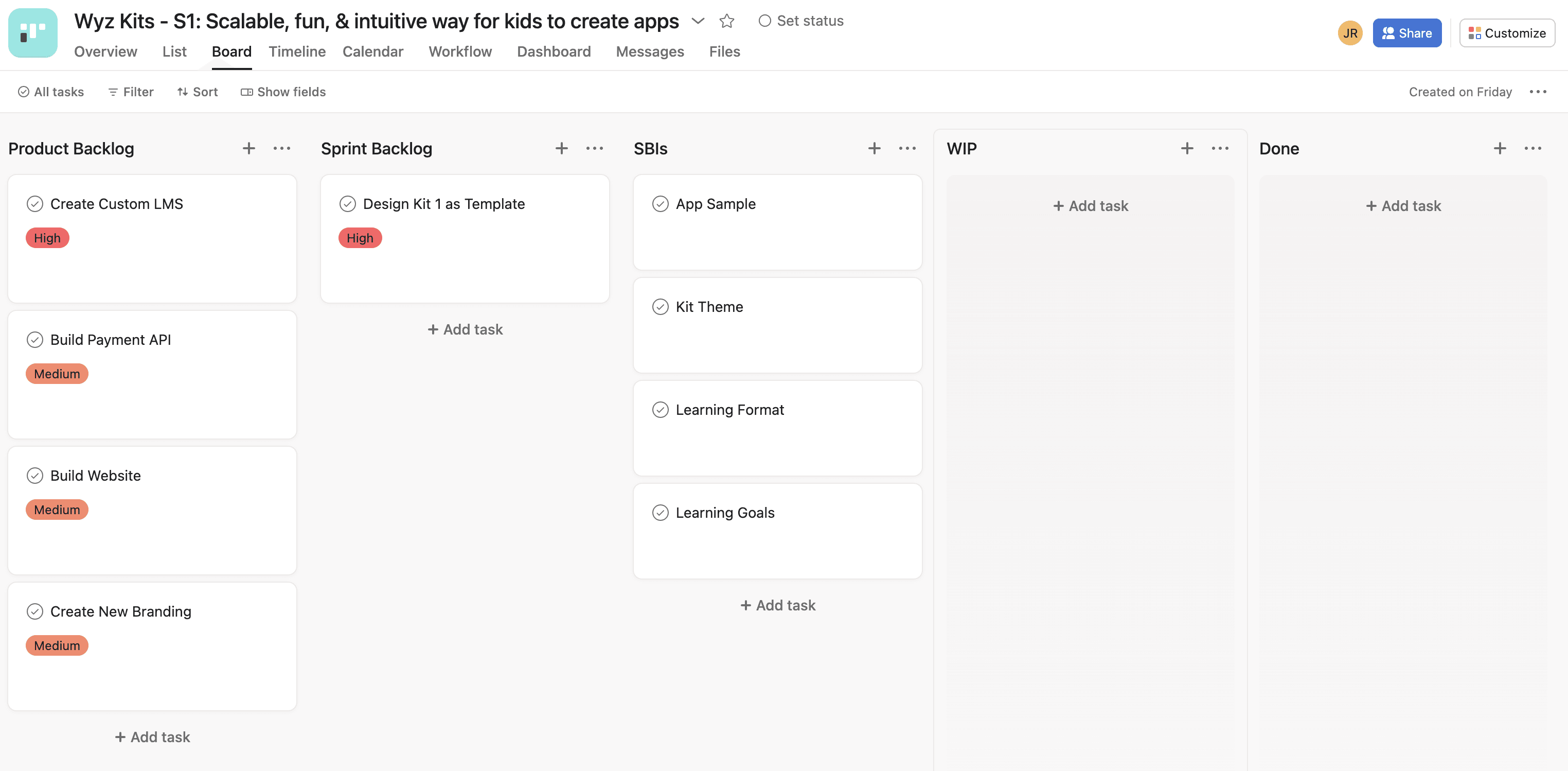
In order to work quickly we broke down the product plan into an agile scrum framework with MVP iterations throughout.
5. Design
Putting it all together via UX/UI, product design, branding and visual marketing.
Kit Access UX/UI
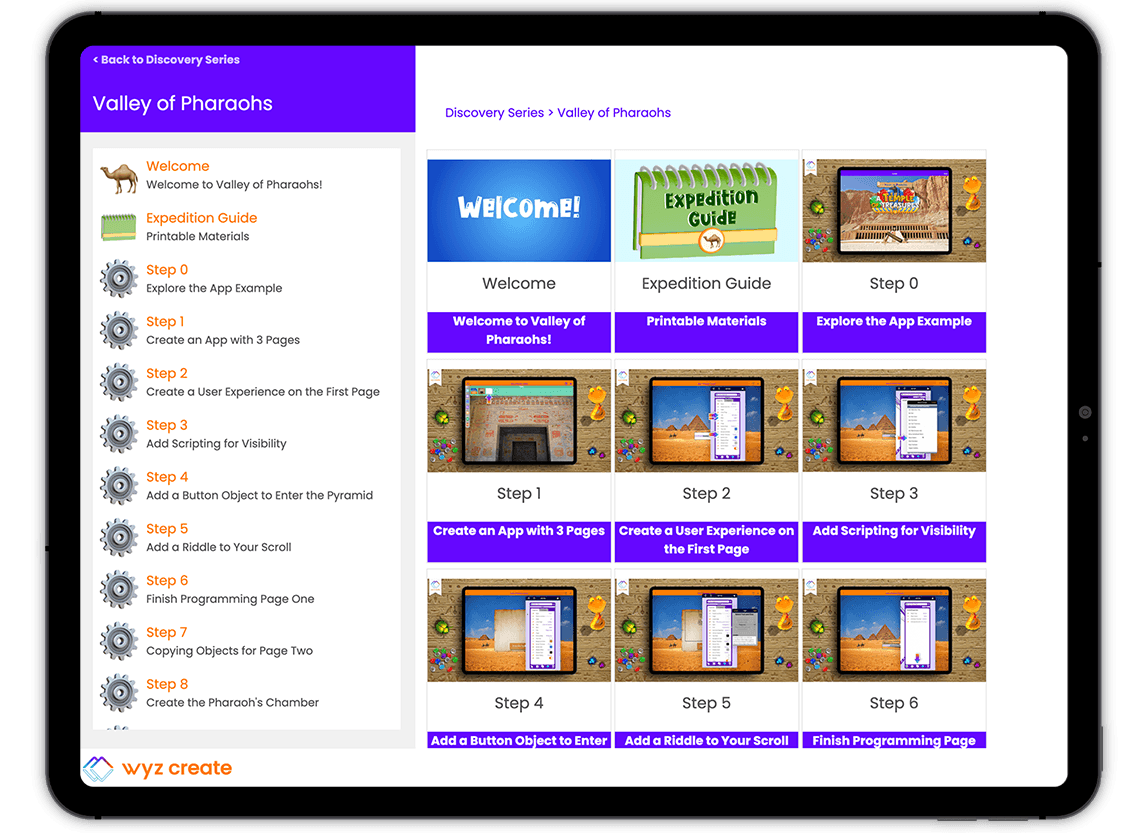
Navigating Wyz Kit lessons needed to be integrated into the thematic adventure. I designed Wyz Kits’ Learning Management System from scratch to feel like a tool within their app-making expeditions.
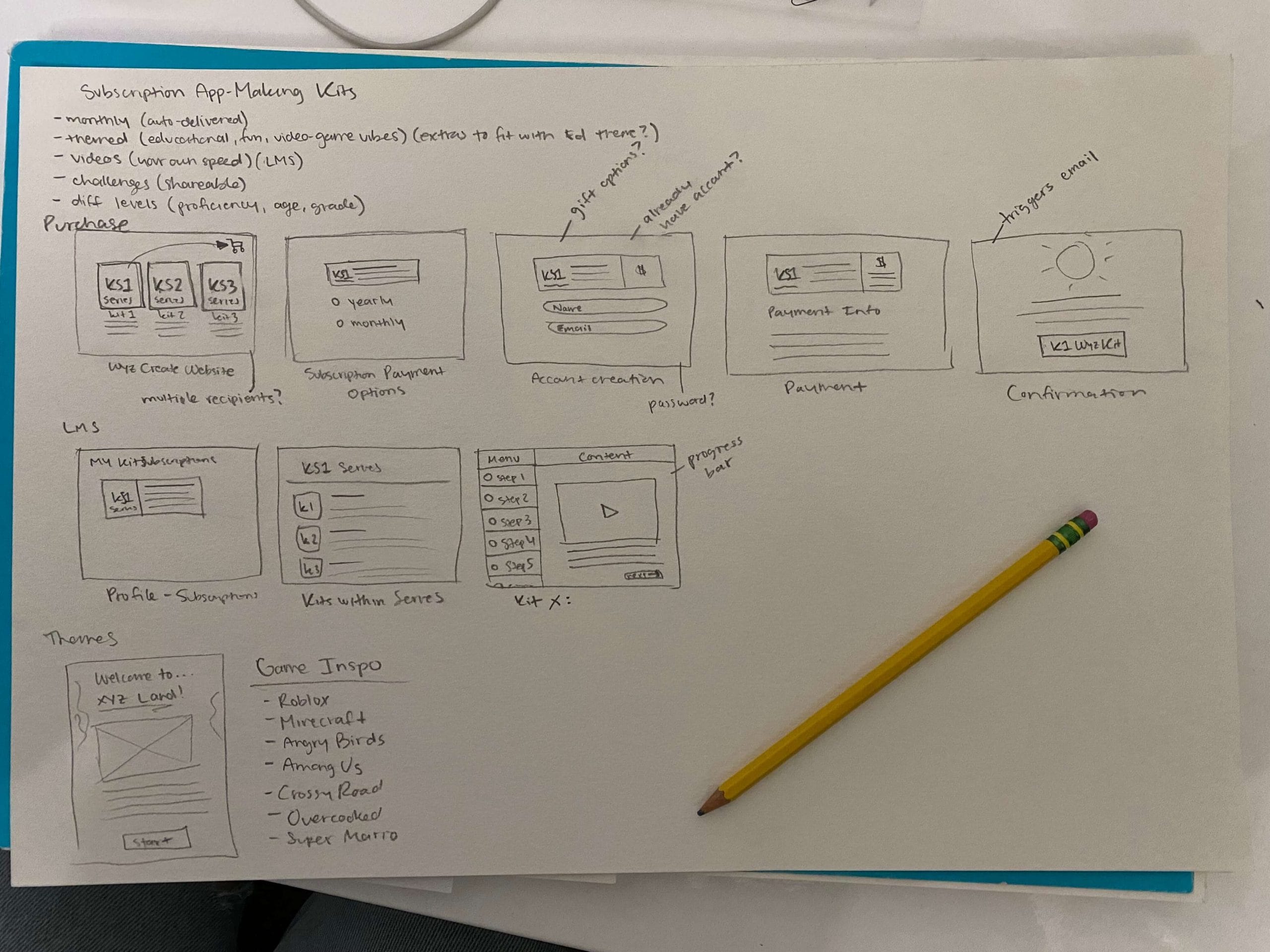
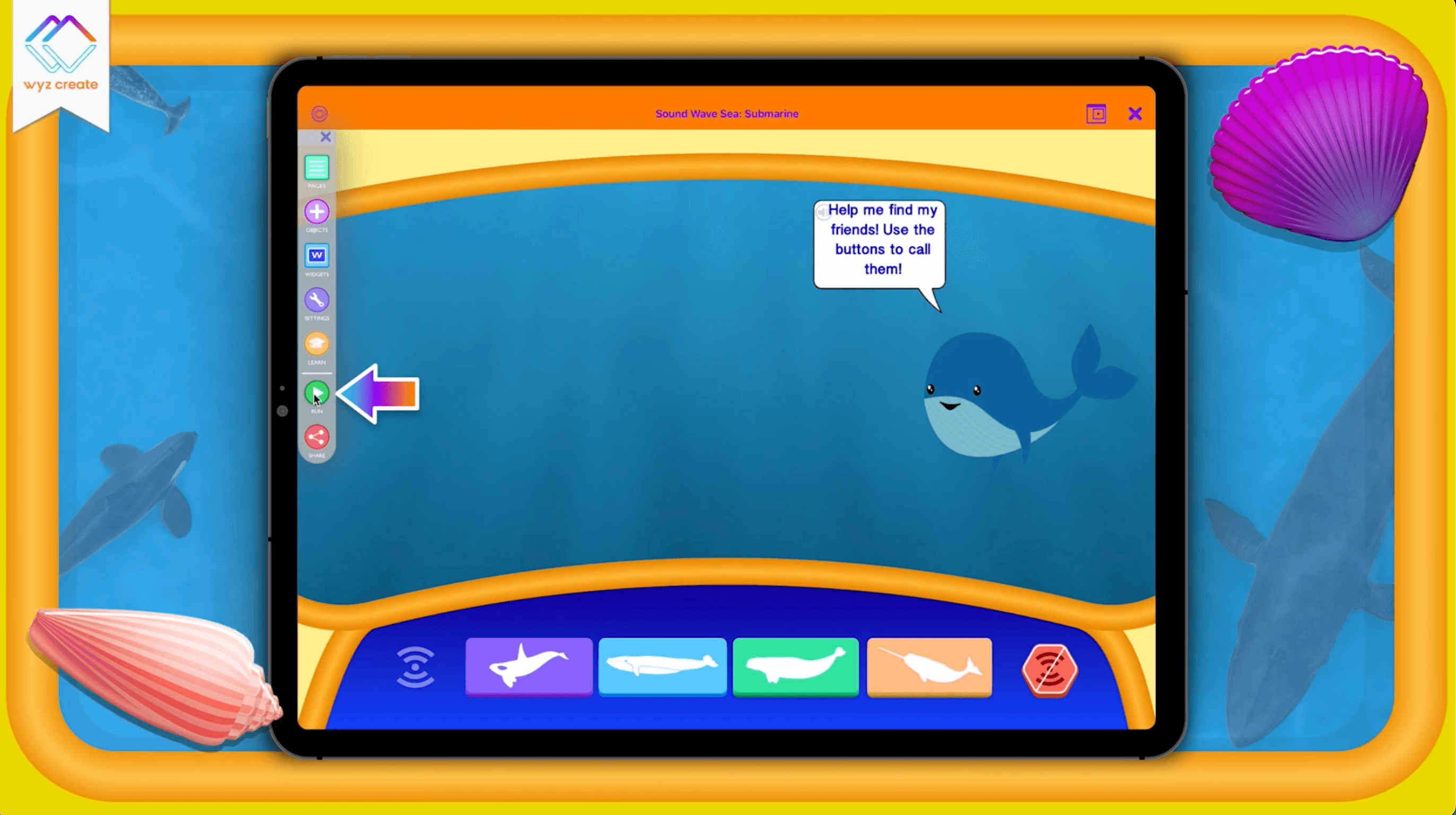
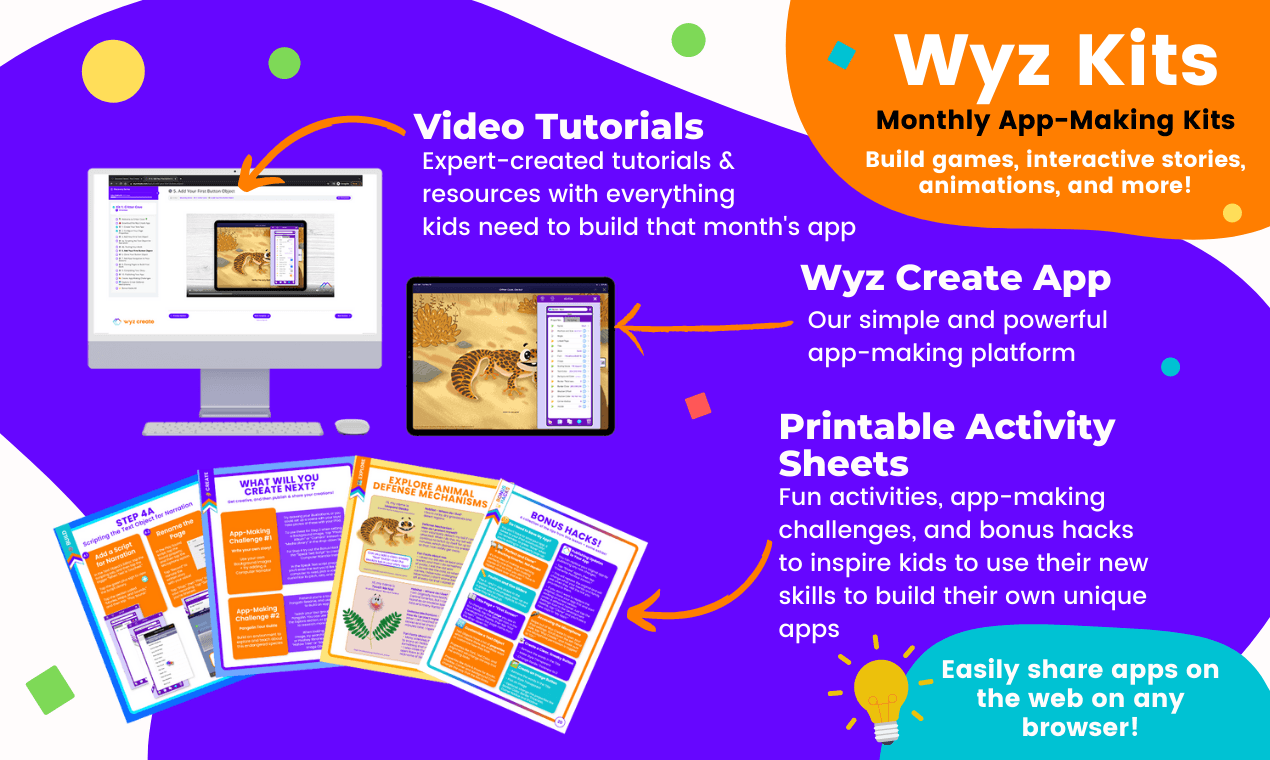
Digital lessons are easy to navigate within the Wyz Kit portal.
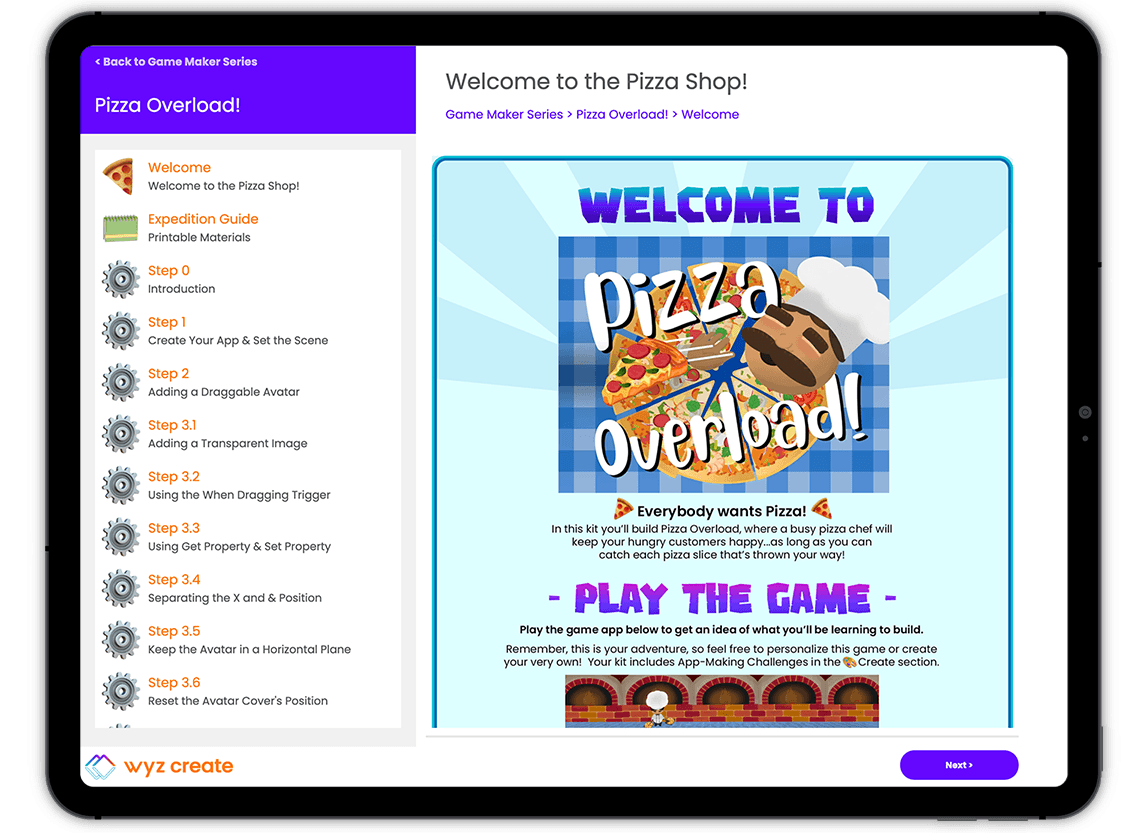
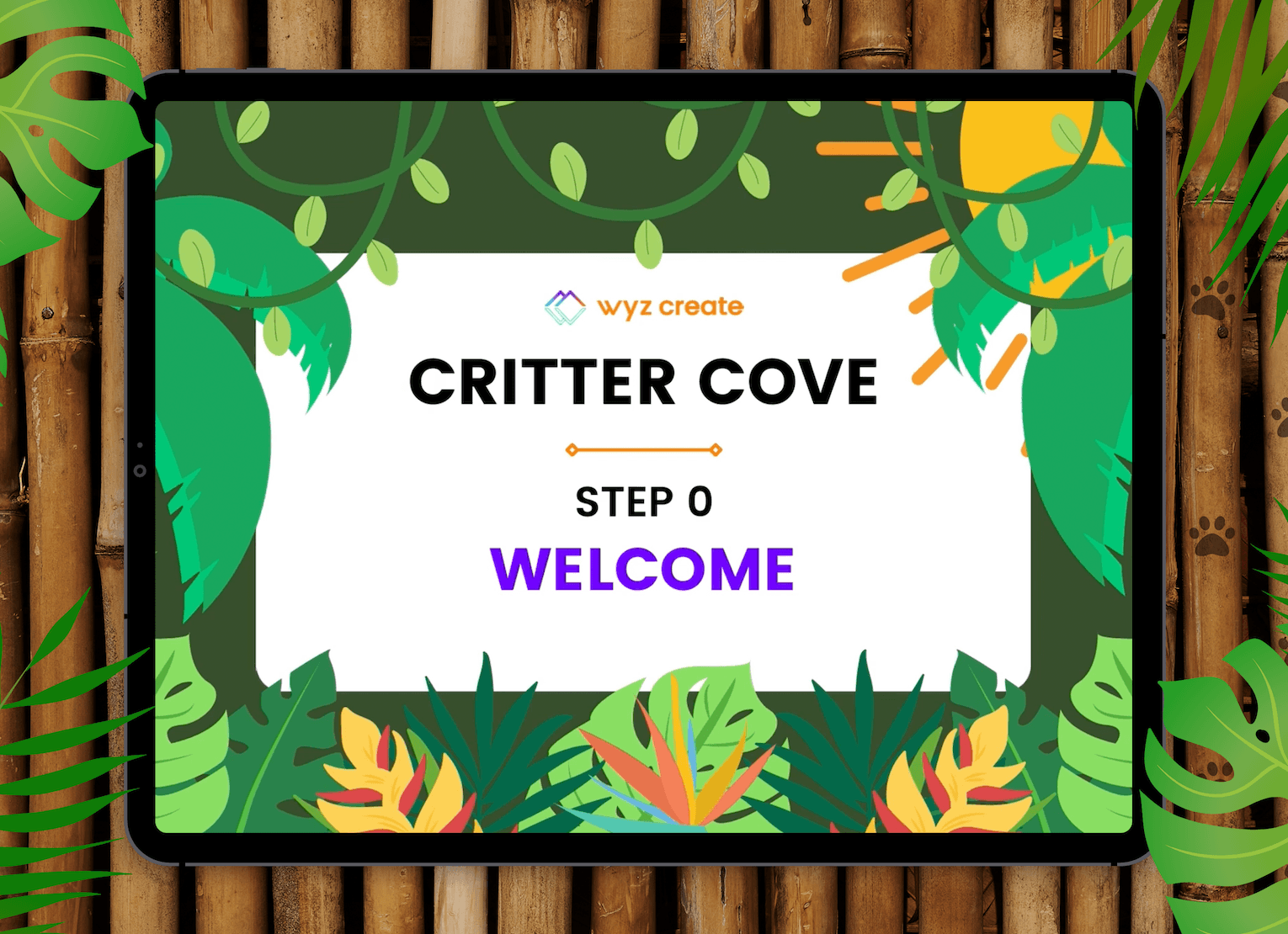
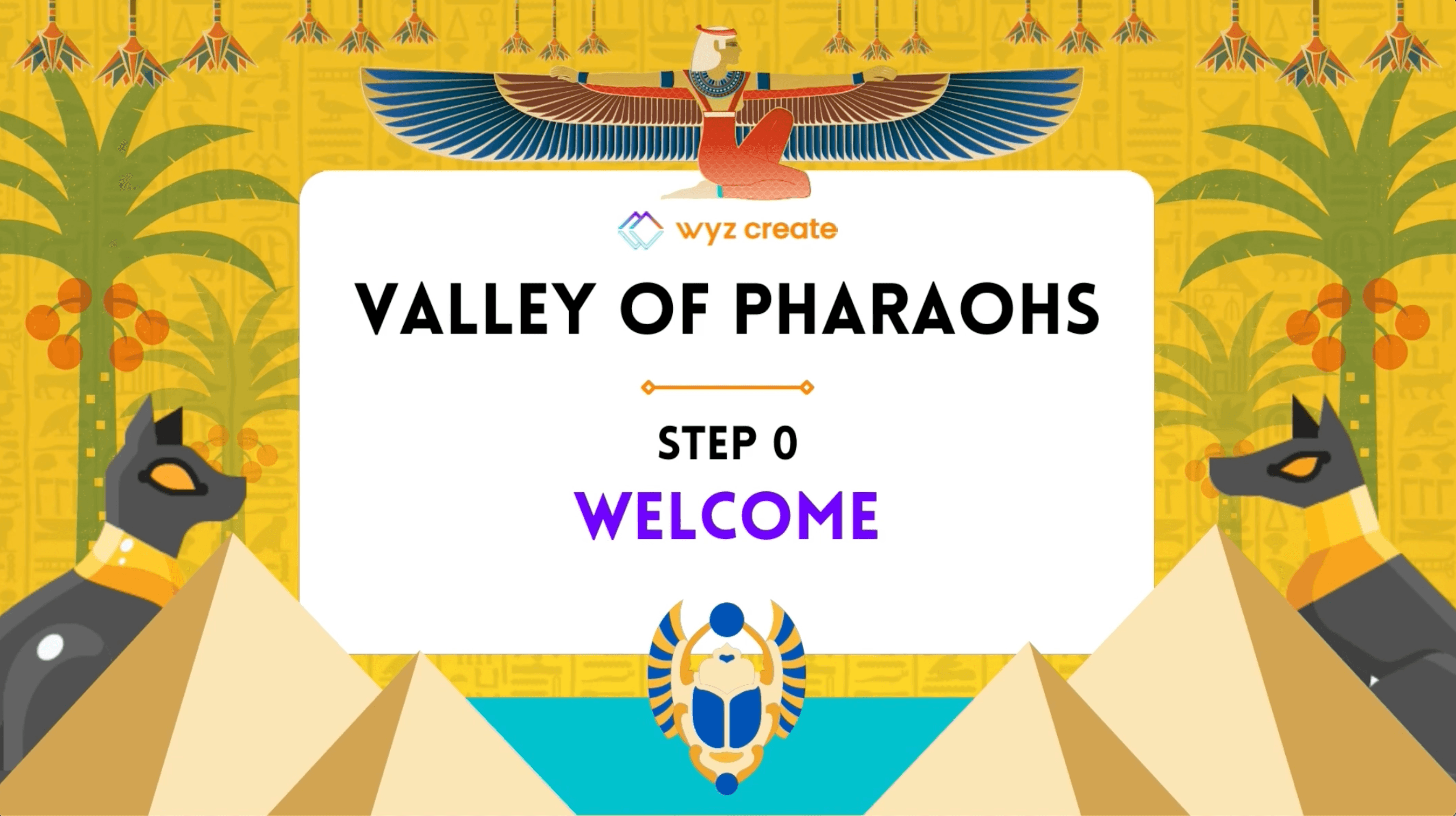
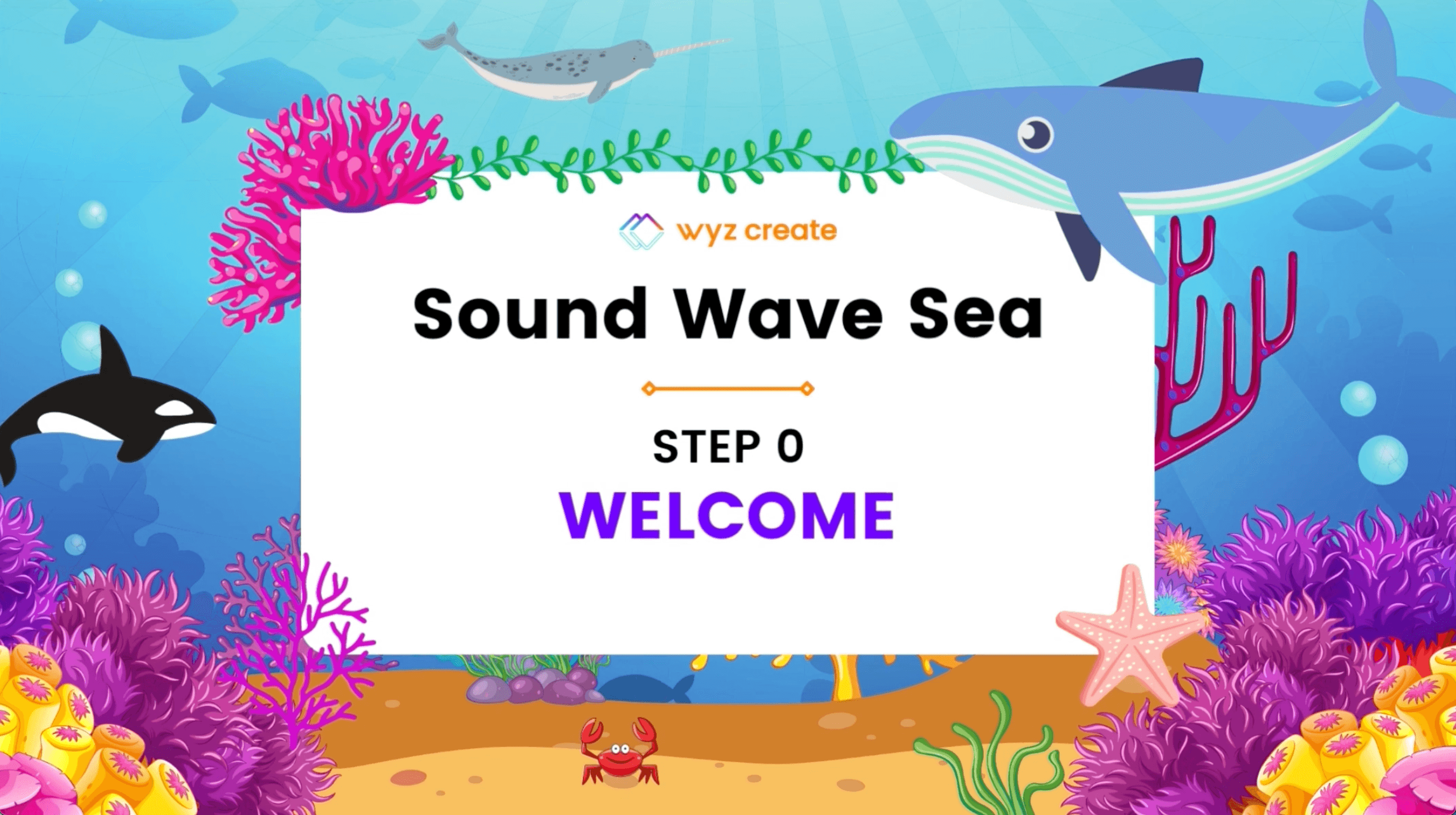
Welcome screens offer an introduction to each new Wyz Kit.
Different Ways to Learn
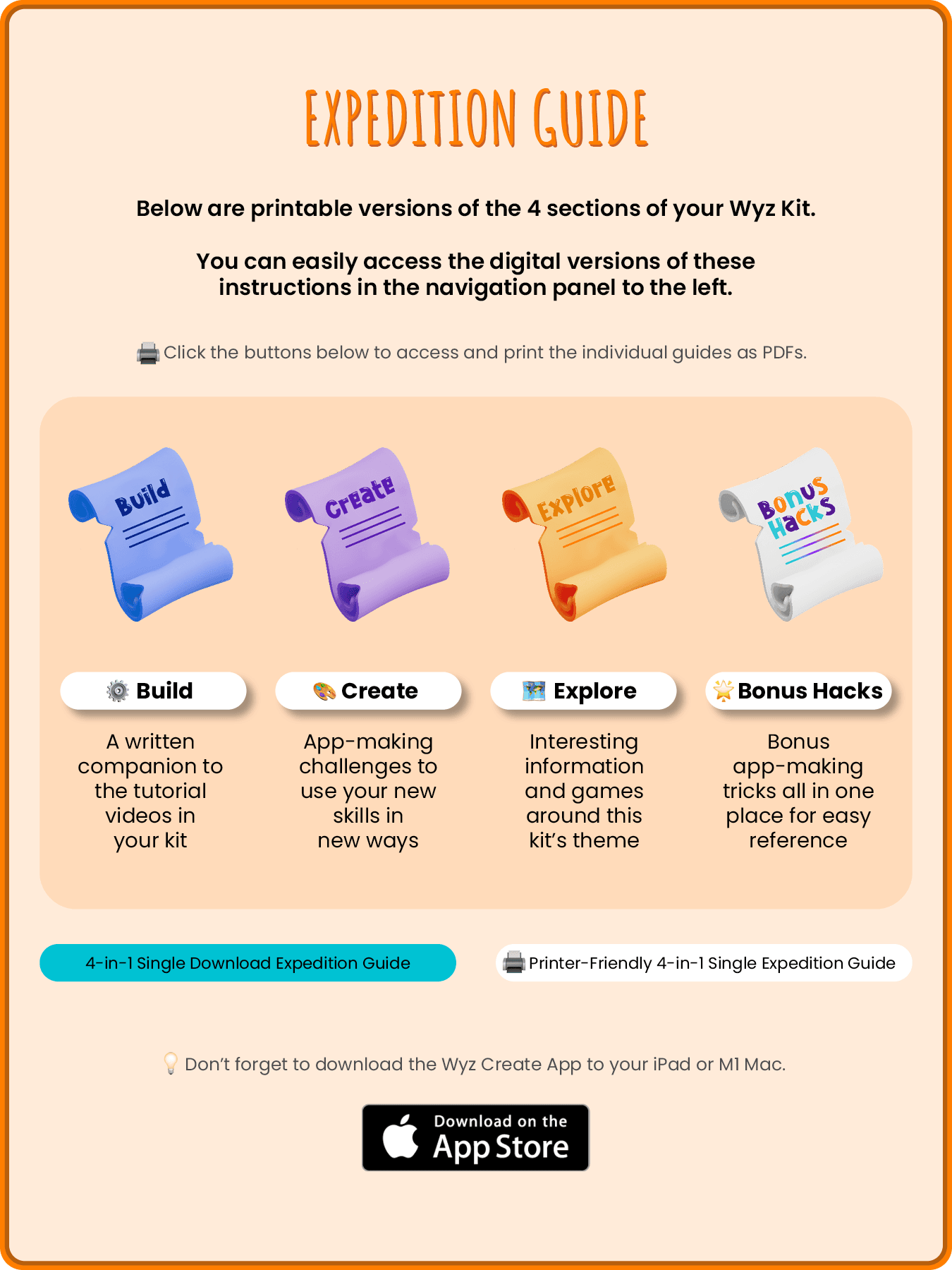
Printable reference material for each Wyz Kit section is offered in color + black & white printouts.
– The Product –
Subscription App-Making Adventures

The Purchasing Process FloW
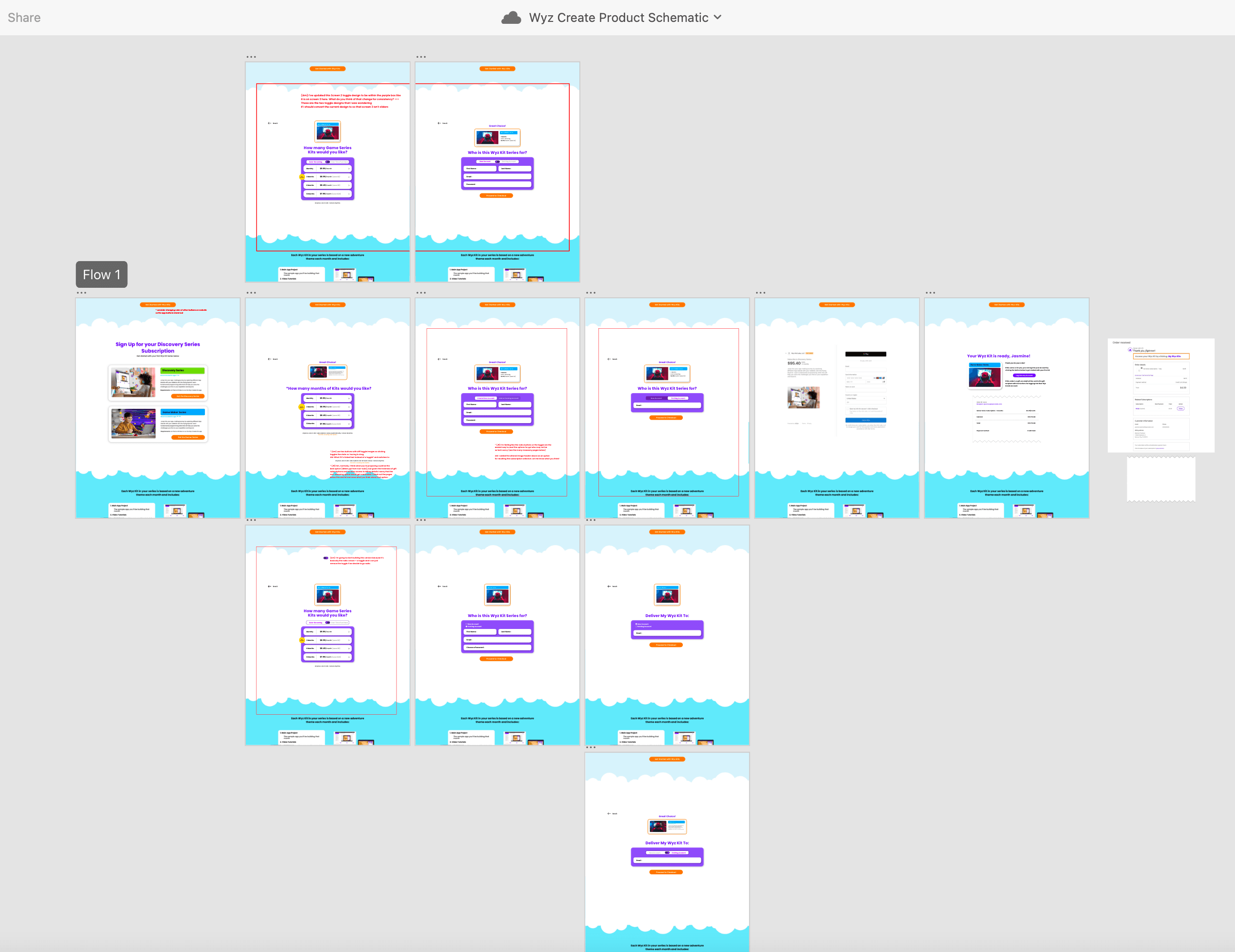
Below is a screenshot of the XD file planning out the user’s purchasing flow from website to successful transaction.
Ideation:
Live XD File:
Kit Video LEssons
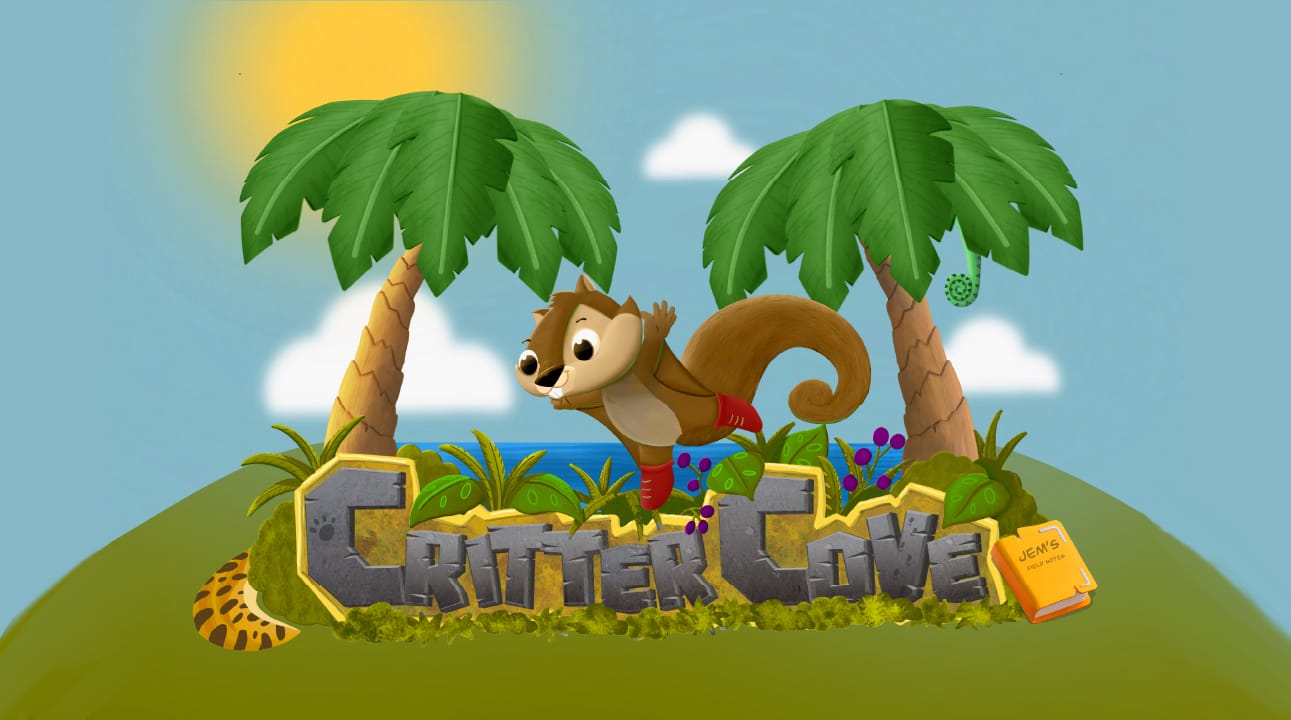
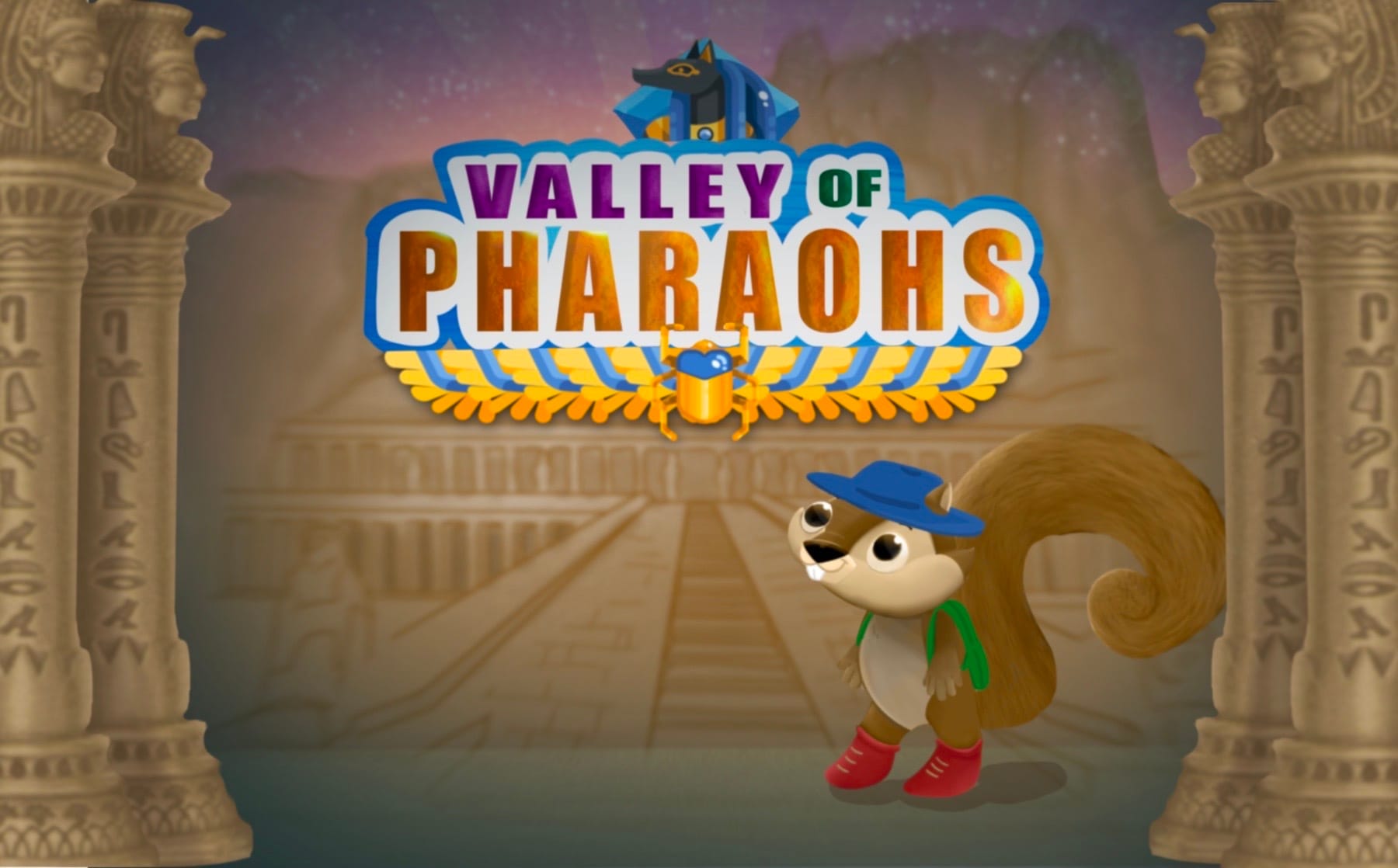
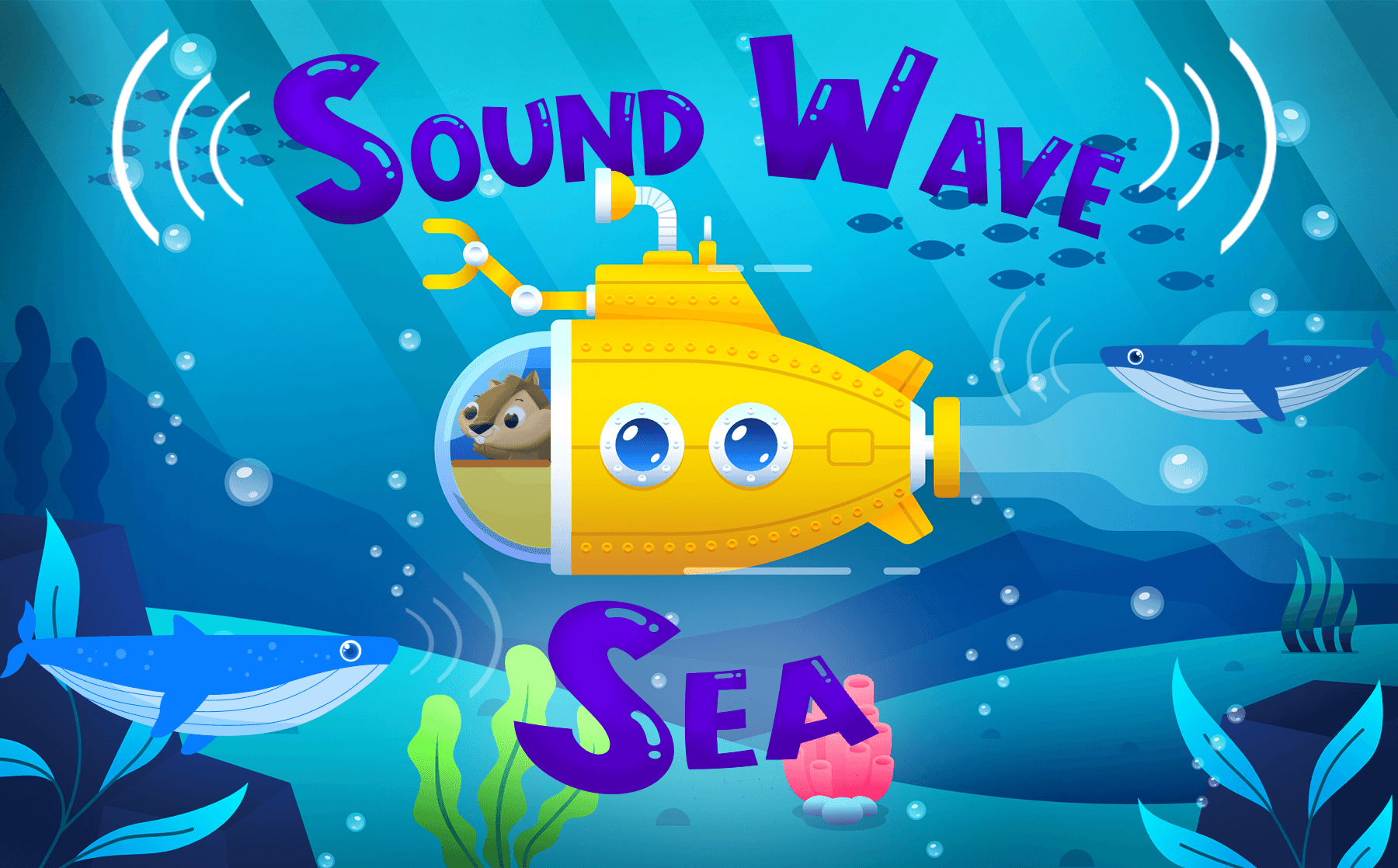
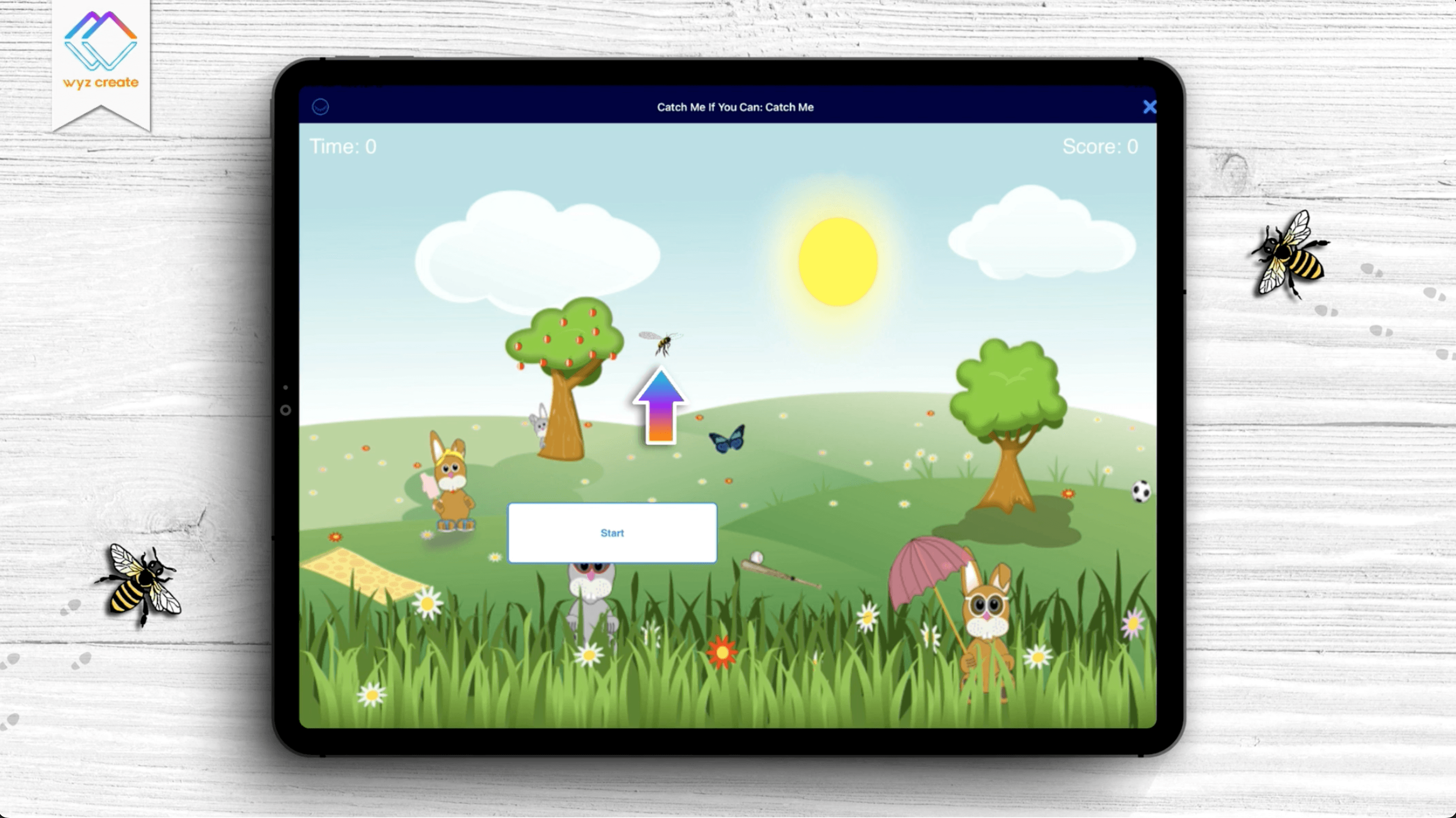
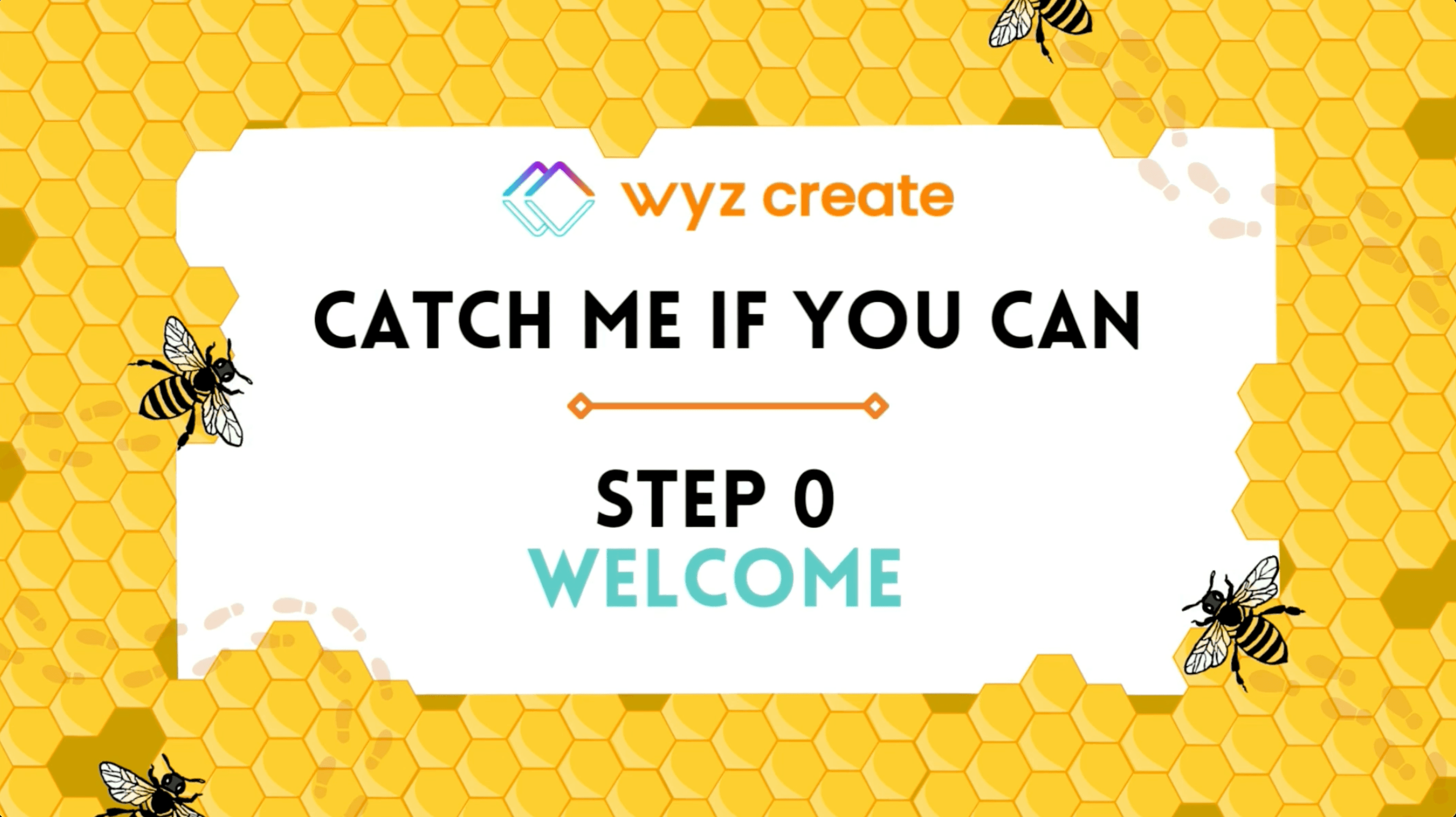
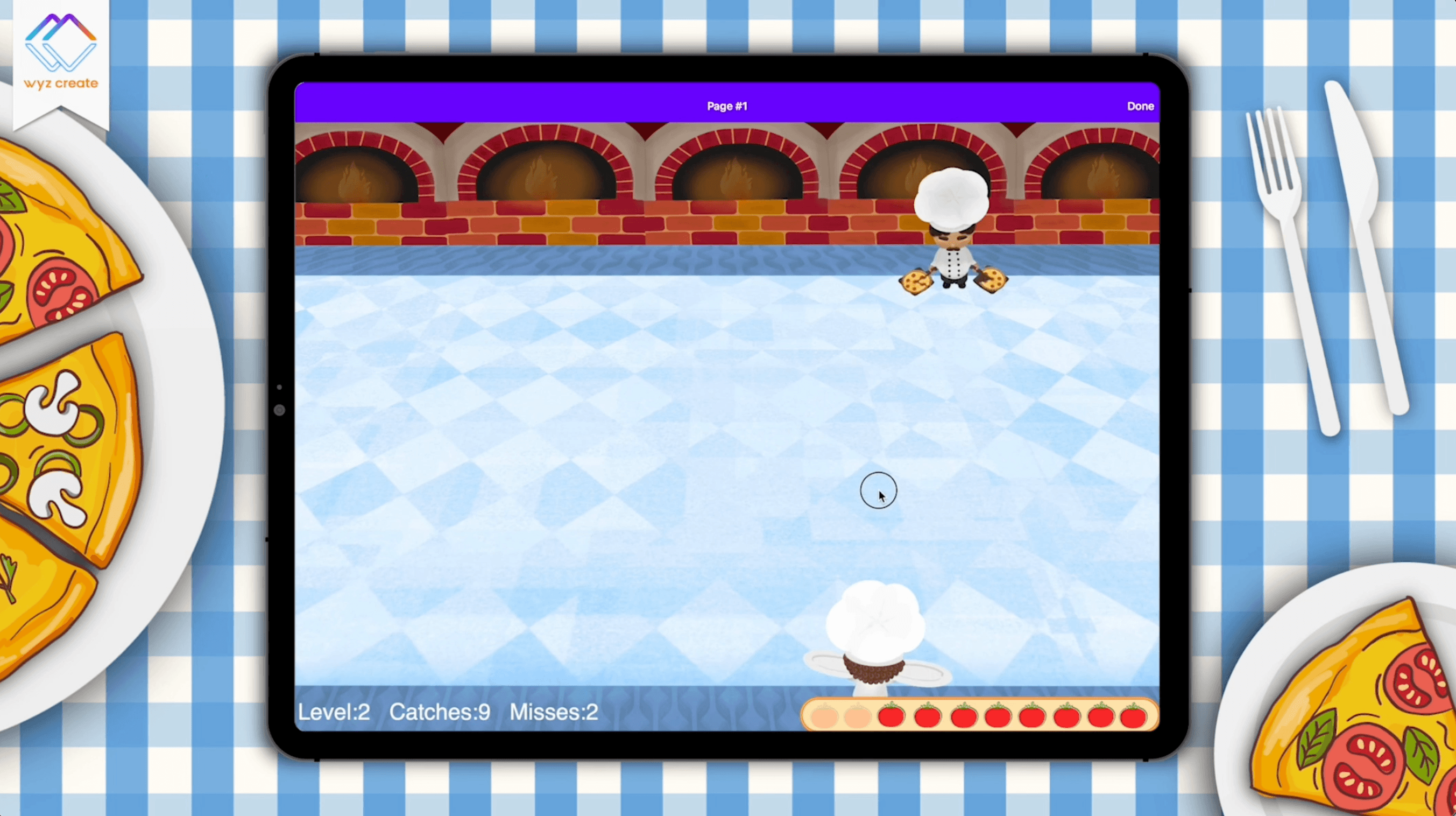
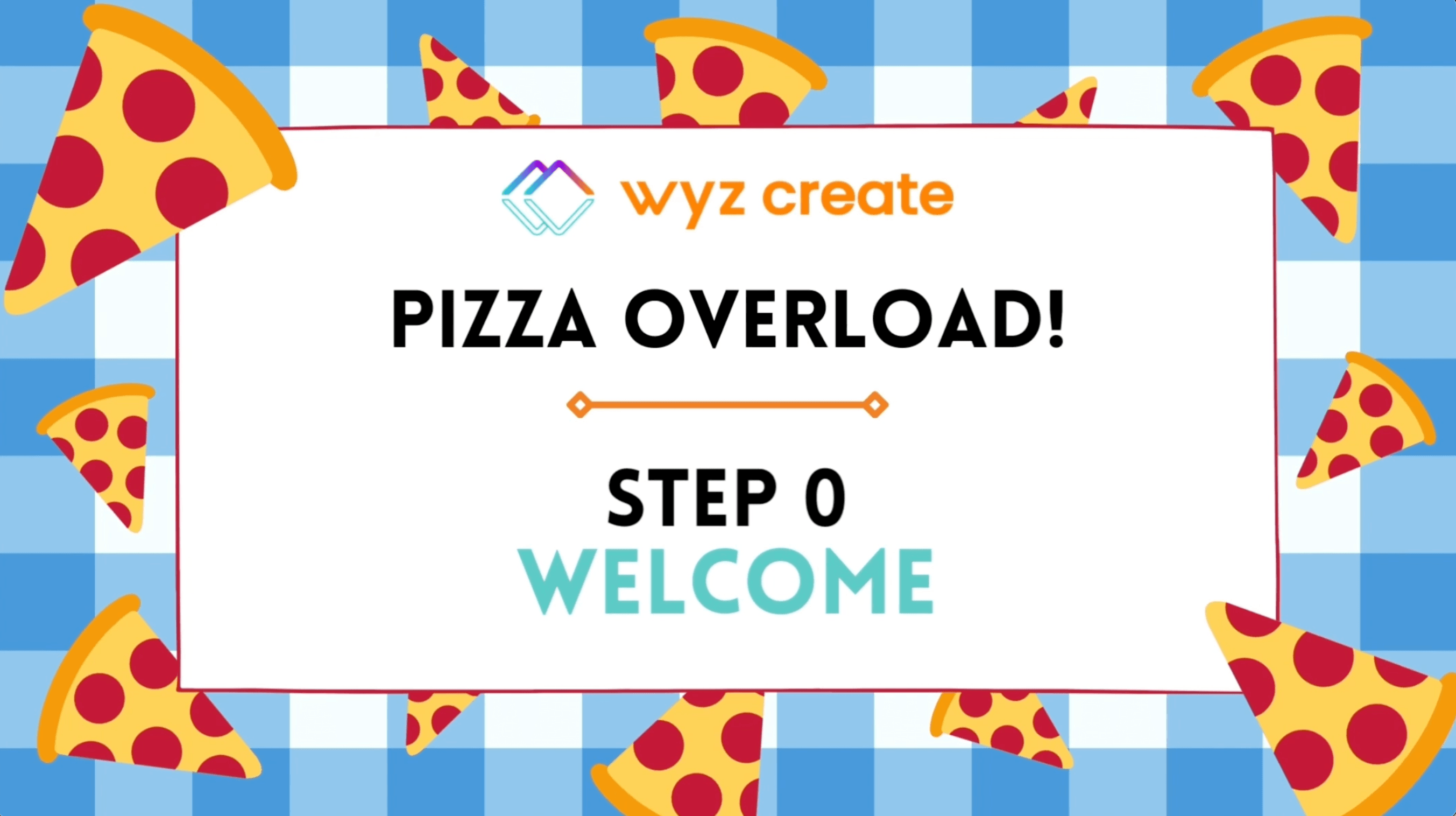
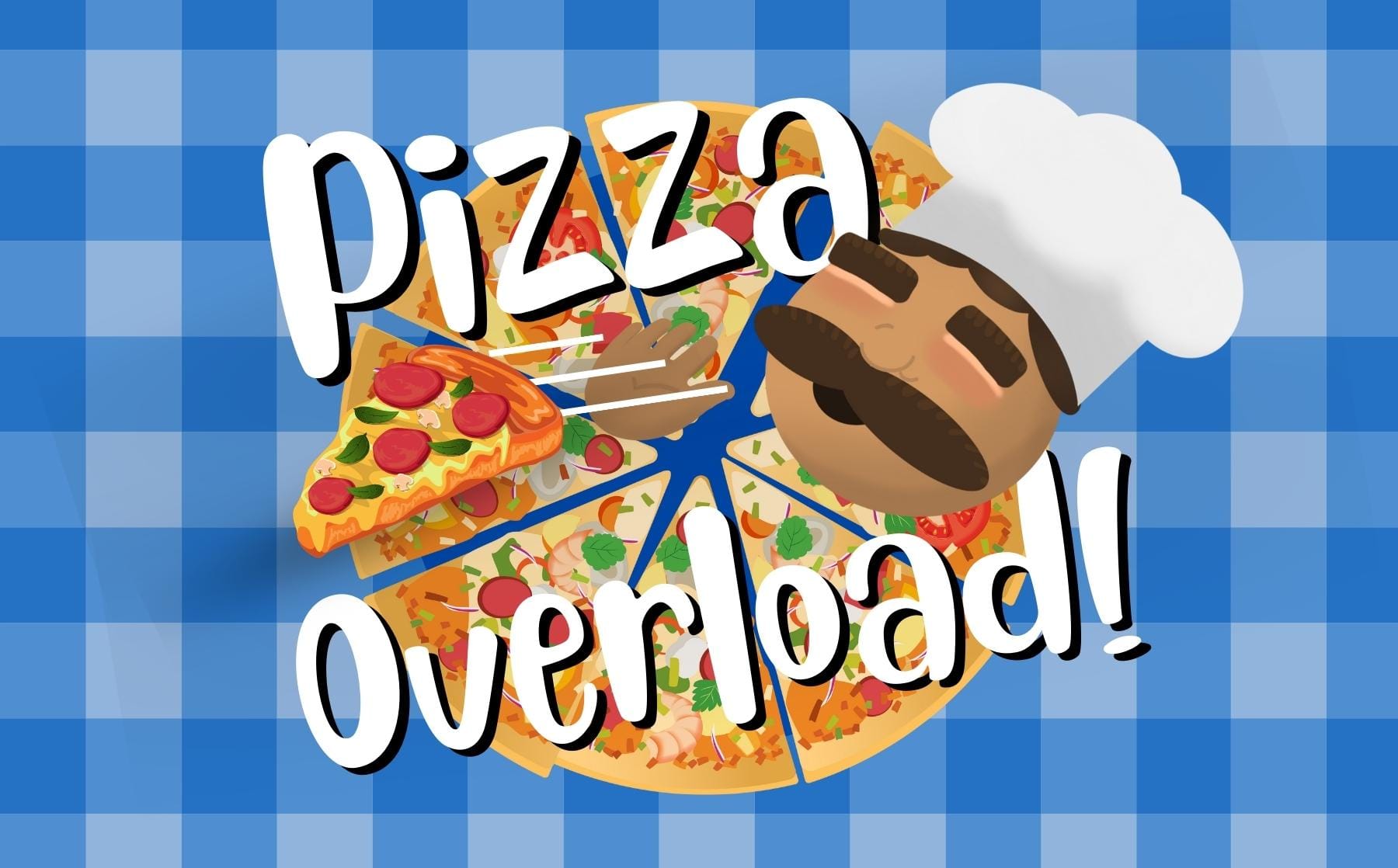
A bold logo sting creates anticipation before the unveiling of each new monthly project set within a carefully designed world of adventure.
Thematic worlds
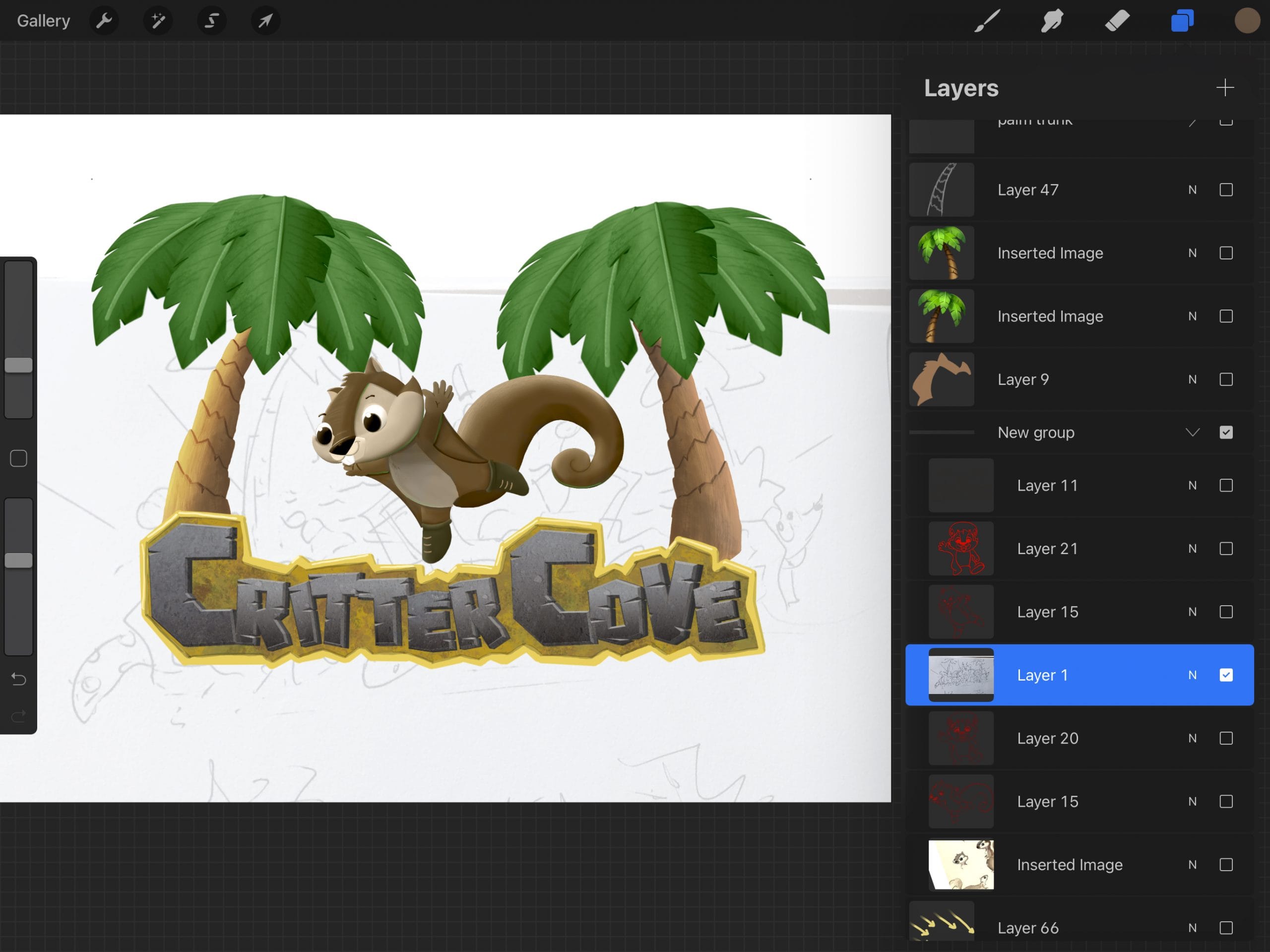
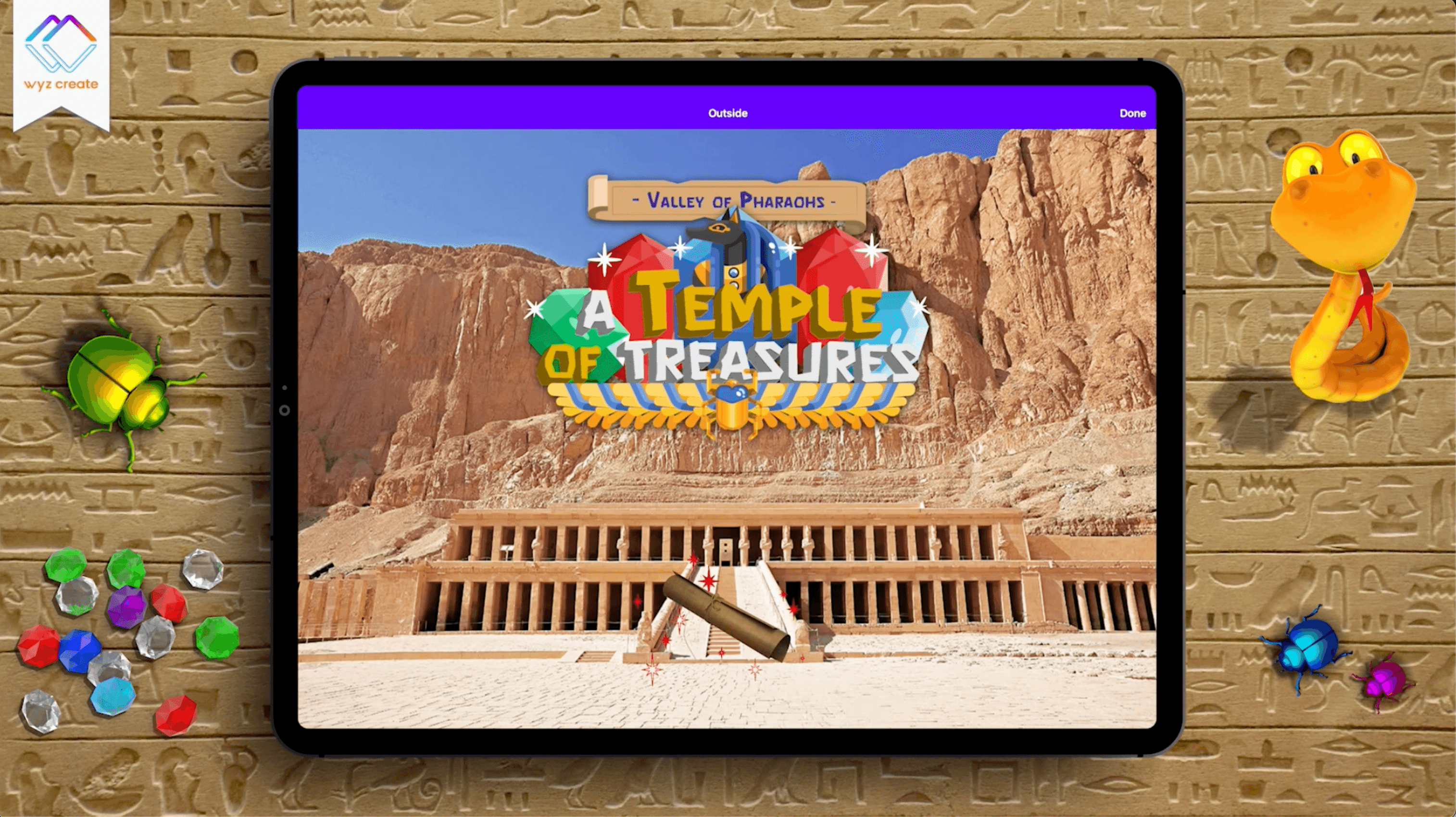
Illustrations and graphic elements come together to set the scene for creative coding.





– The Brand –
Creativity Unleashed
Imaginative bright colors & a gaming aesthetic inspire a creative energy in kids and parents discovering Wyz Create.
The Before
Pre-existing Logos
Logos were created by 2 separate freelance designers previously hired by the company.

Above: Kid’s Learn-To-Code Company Logo

Above: App-Making Parent Company Logo
The after
Iconic Shapes As Common Thread
The parent company specializes in app-making products, so I decided to use the iconic app “squircle” shape as the common thread between each brand vertical. “Wyz” is used in the name of all product verticals, like Sports Wyz and Property Wyz. By overlapping two squircles at a 90º rotation a “W” for “Wyz” is created, making these products easily recognizable as “Wyz” products.

Wyz Family of Products
The parent company logo + product verticals are connected through the iconic “W” made from two overlapping app squircles

Above: App-Making Parent Company Logo and Icon

Above: Kids’ Learn-To-Code Company Logo and Icon

Above: Interactive Sports Web Apps – Company Logo and Icon

Above: Property Management Web Apps – Company Logo and Icon
Visual Brand
The colors of the Wyz Create logo were carefully chosen to pop in both light and dark mode. All-white versions of the logos can be placed on brightly colored backgrounds.





Fun design assets
It was important to have a font that is kid-friendly and modern, which included the recognizable single-story “a” most common when children are learning to write.

Dynamic Icon

Customer Support Avatar With Subtle Blinking
Promo & Video Logo Banner

Video Callout Arrow
Friendly Typeface
It was important to have a font that is kid-friendly and modern, which included the recognizable single-story “a” most common when children are learning to write.
poppins bold
poppins semibold
poppins medium
poppins regular
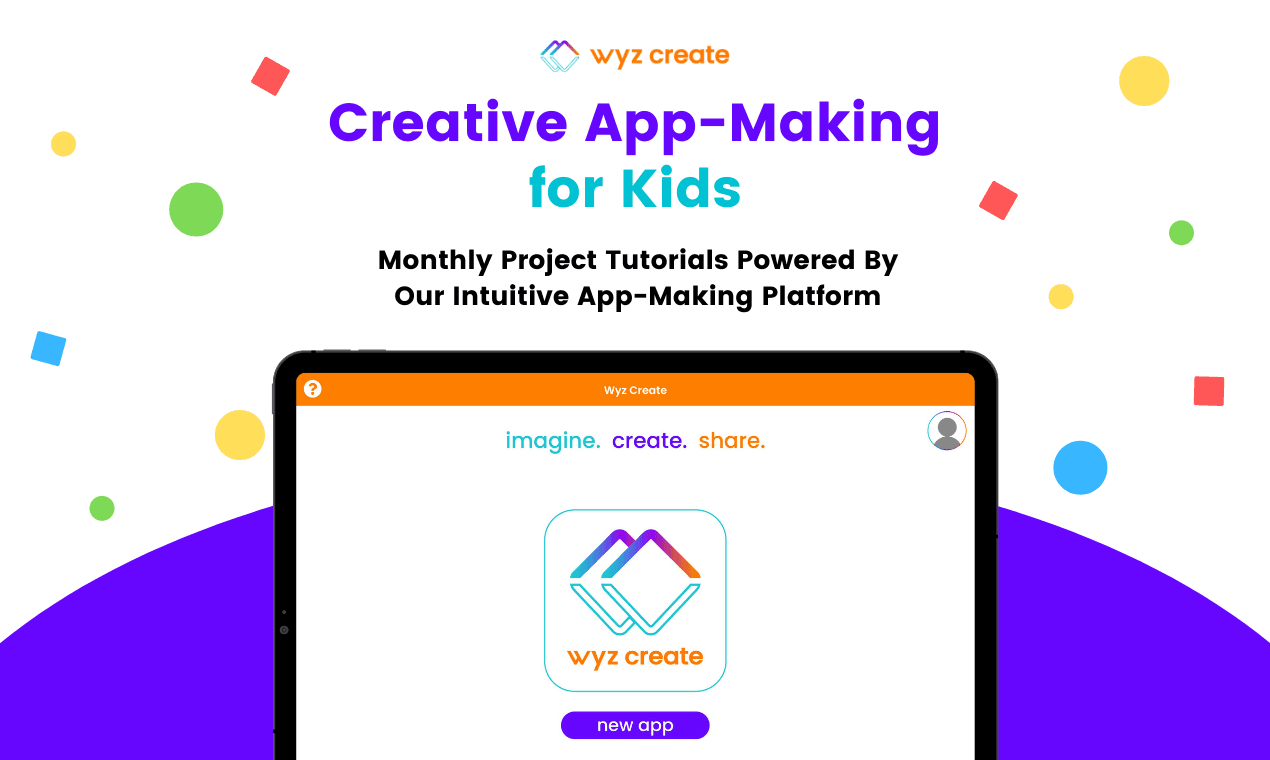
Monthly Digital Subscription Kits For Kids That Want to Learn to Code Through Fun App-Making Adventures
– Website –
Wyz Create’s Home
Wyz Create’s website is the starting point for first-time visitors learning about the product and for long-time users wishing to log into their accounts. Easy access to different end goals + concise info panels makes it easy to get to where you want to go.
The Website HomePage
I designed the front face of Wyz Create to welcome parents and kids into the creative adventure that is learning to program. Memorable taglines present a quick overview of the product, CTAs are easy to find, influencer testimonials provide social proof, Wyz Kit breakdowns clearly explain the product, and a 100% satisfaction guarantee rounds off the website to highlight the value of the product to parents making the purchasing decision.

– Marketing –
Imagination Ignited
Visuals and copy work together to deliver excitement through inboxes and social media alike.
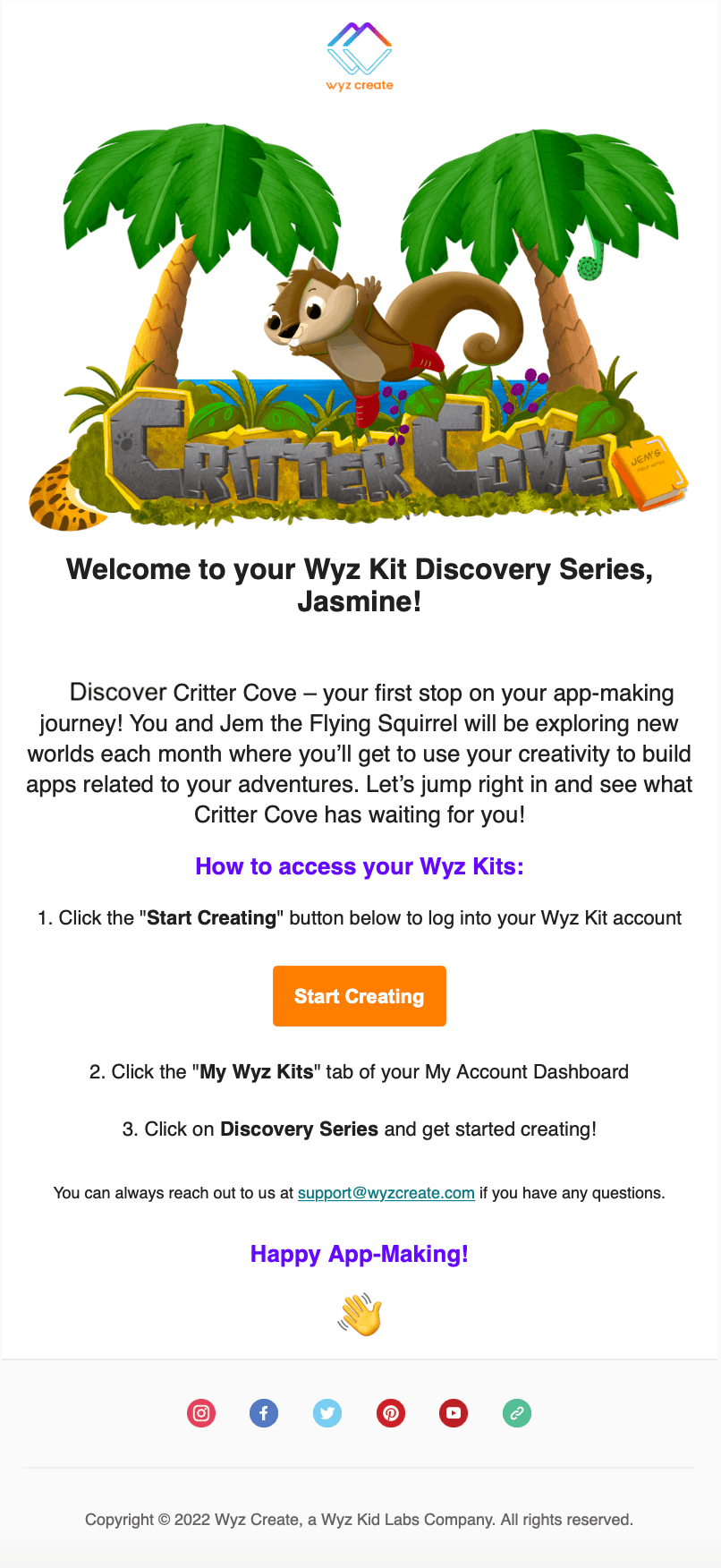
Email: Delivering (an easy to navigate) Adventure
Monthly subscription kits require monthly emails to unveil the latest “destination” for coding projects. Personalized messages, short descriptions, and clear instructions make it easy for parents/guardians and kids to start creating.
Visual Promos
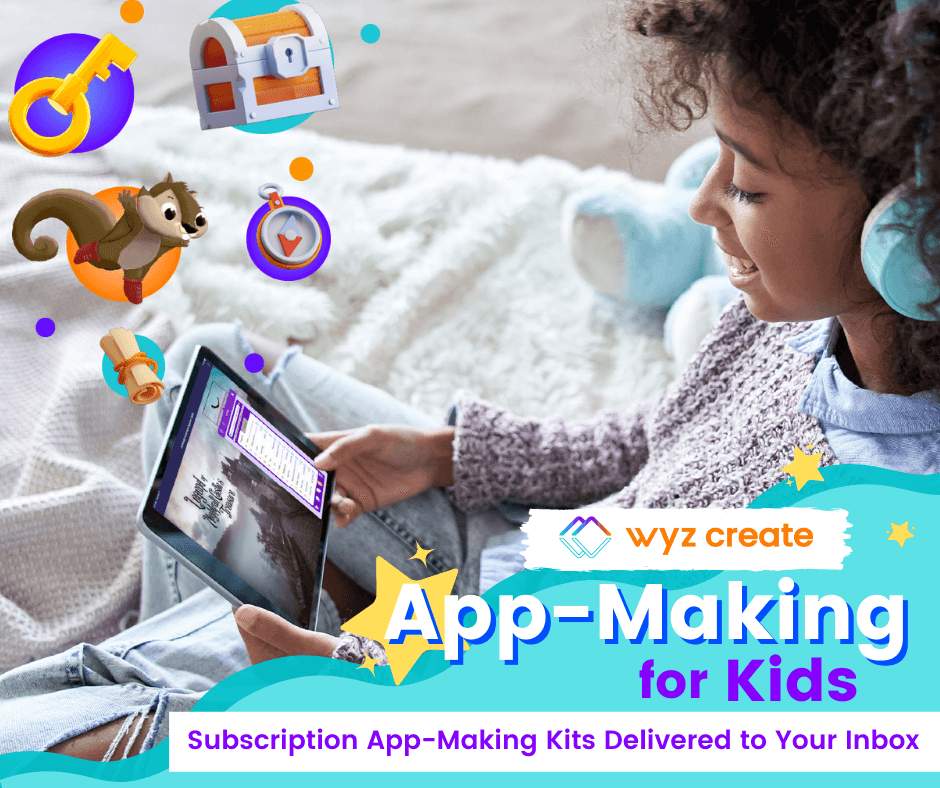
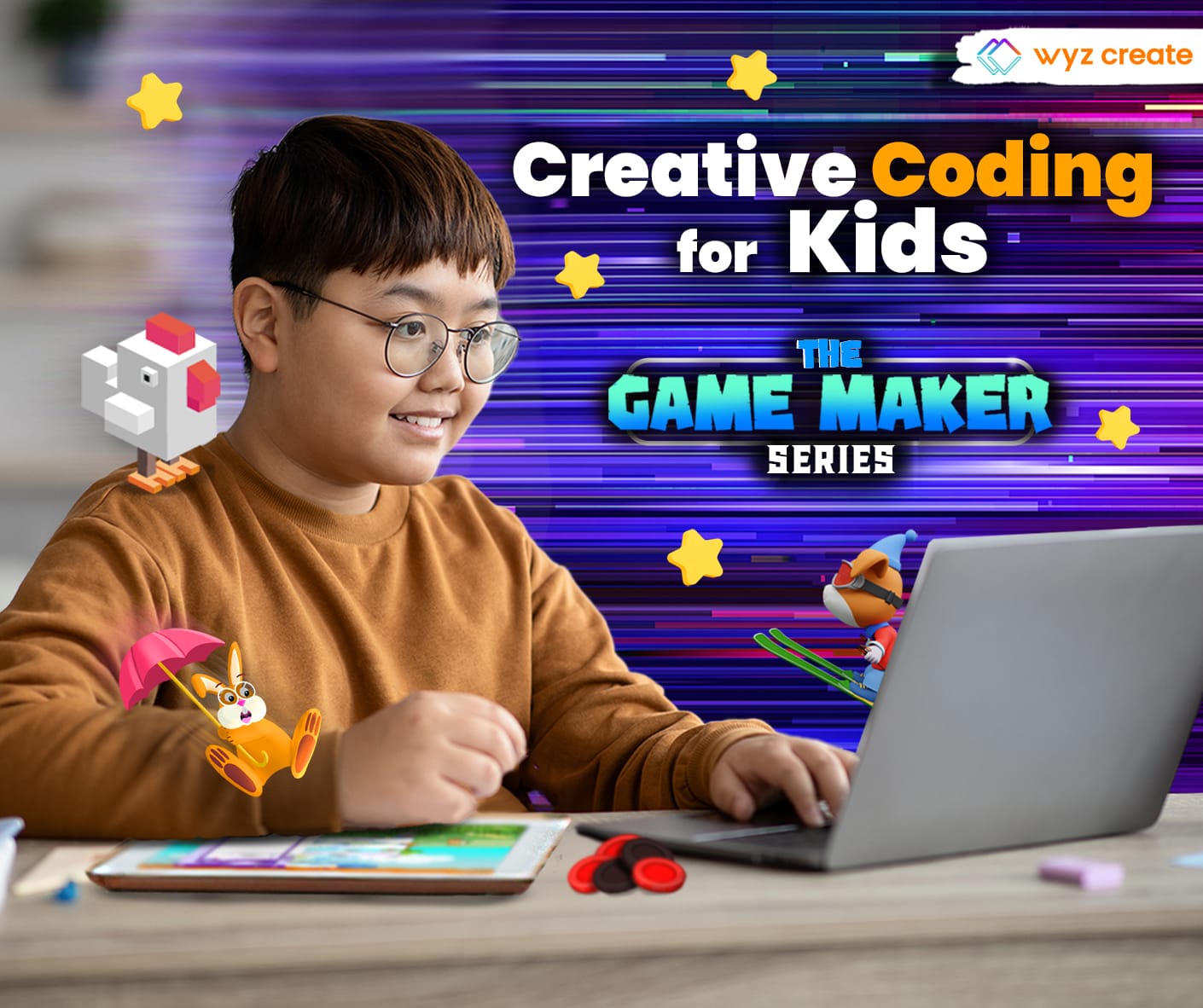
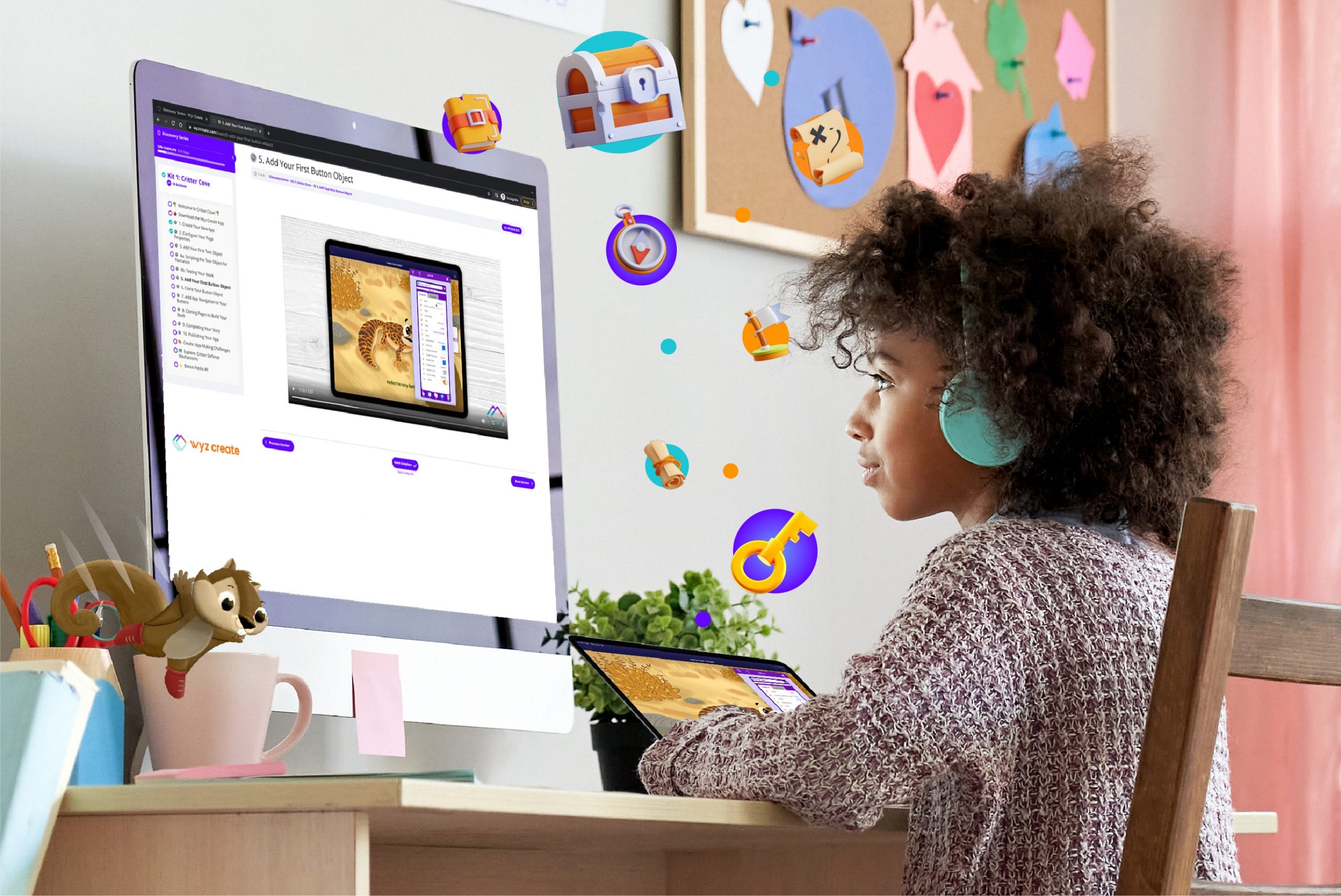
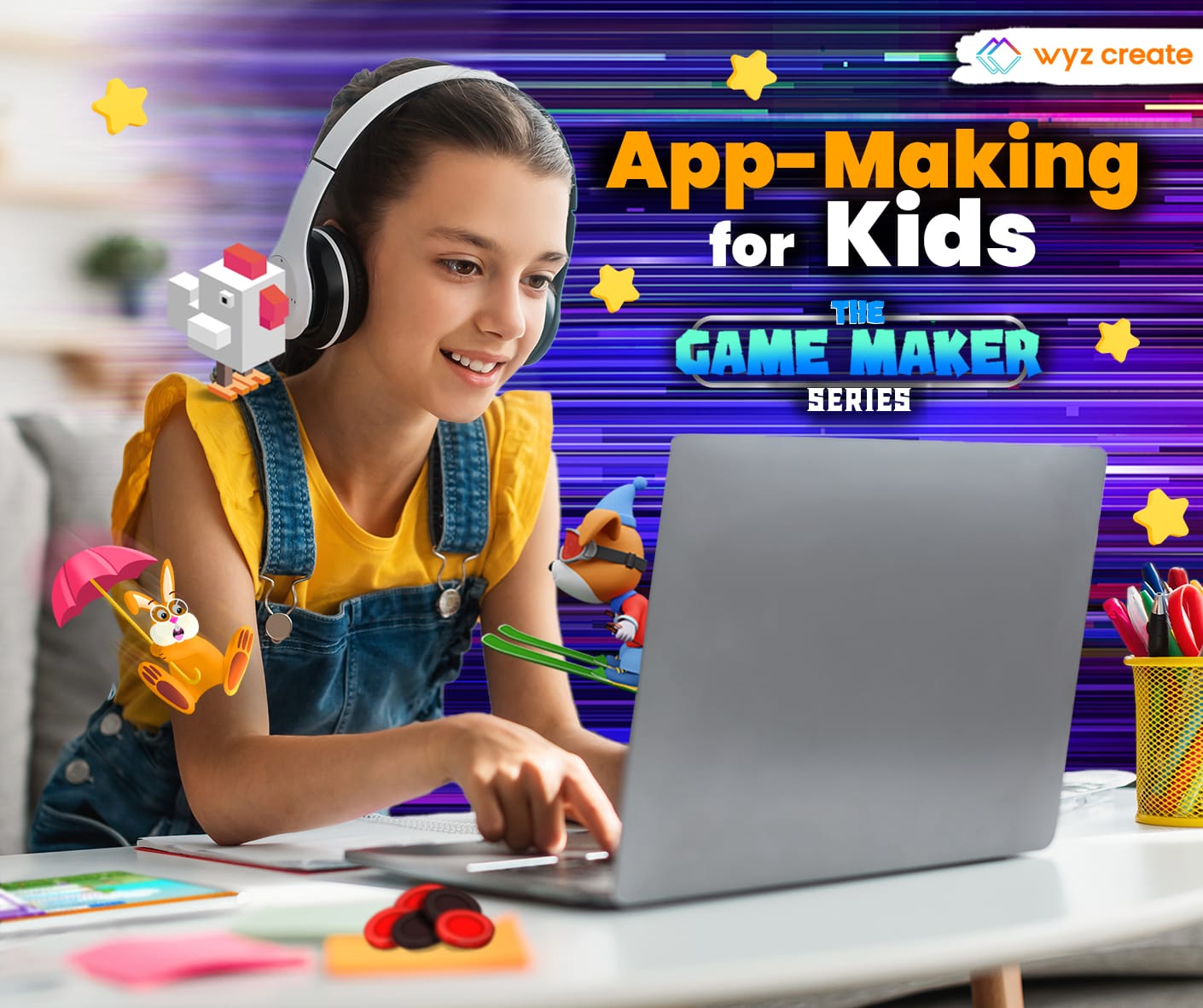
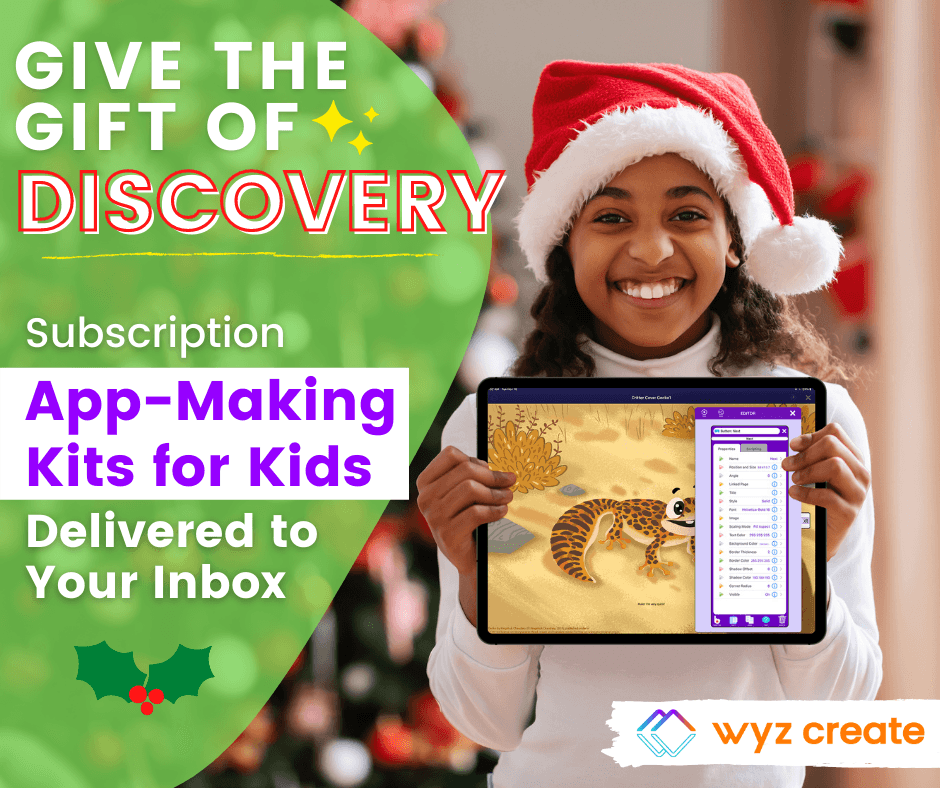
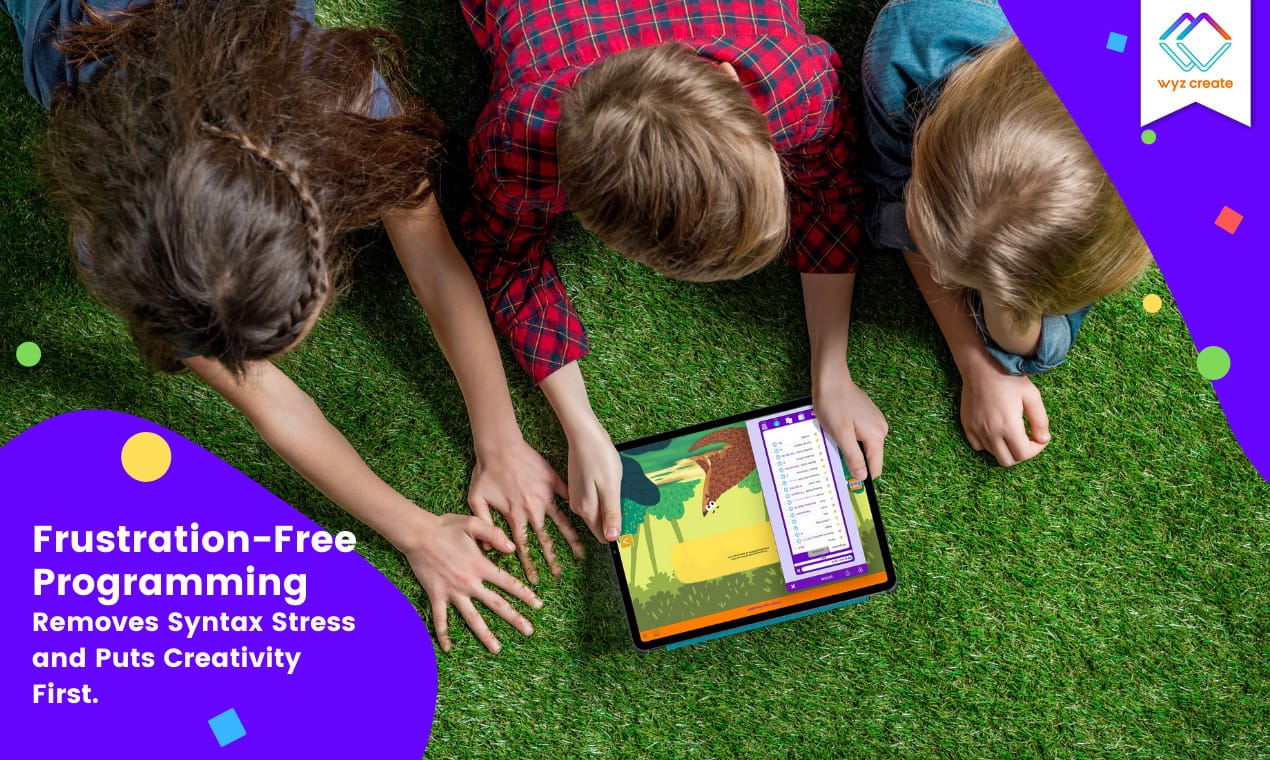
Marketing visuals with concise taglines quickly showcase what Wyz Create is all about.
6. Test
In anticipation of the beta version of our first Wyz Kit & Wyz Create platform, we recruited Outschool parents to be user testers. A free Wyz Kit plus a discount code for a future subscription of Wyz Create was promised to families who agreed to participate. Five families agreed to try the product and provide feedback via a survey, and 2 of those 5 agreed to a video call interview following their first use of the product.
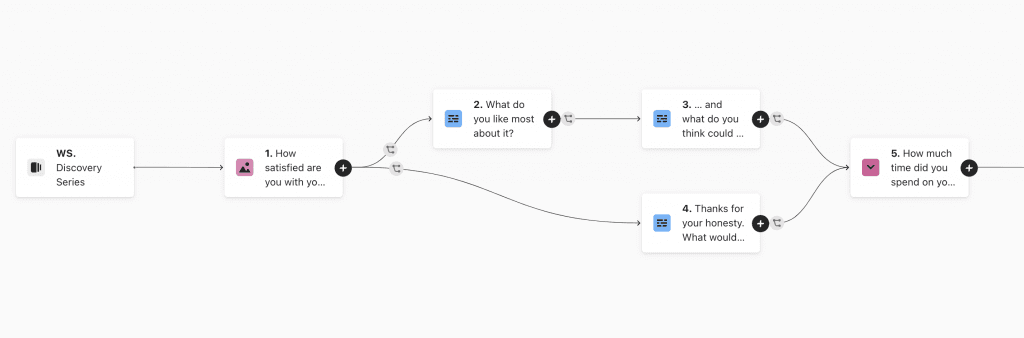
Branching logic of online survey.

Online survey questions.
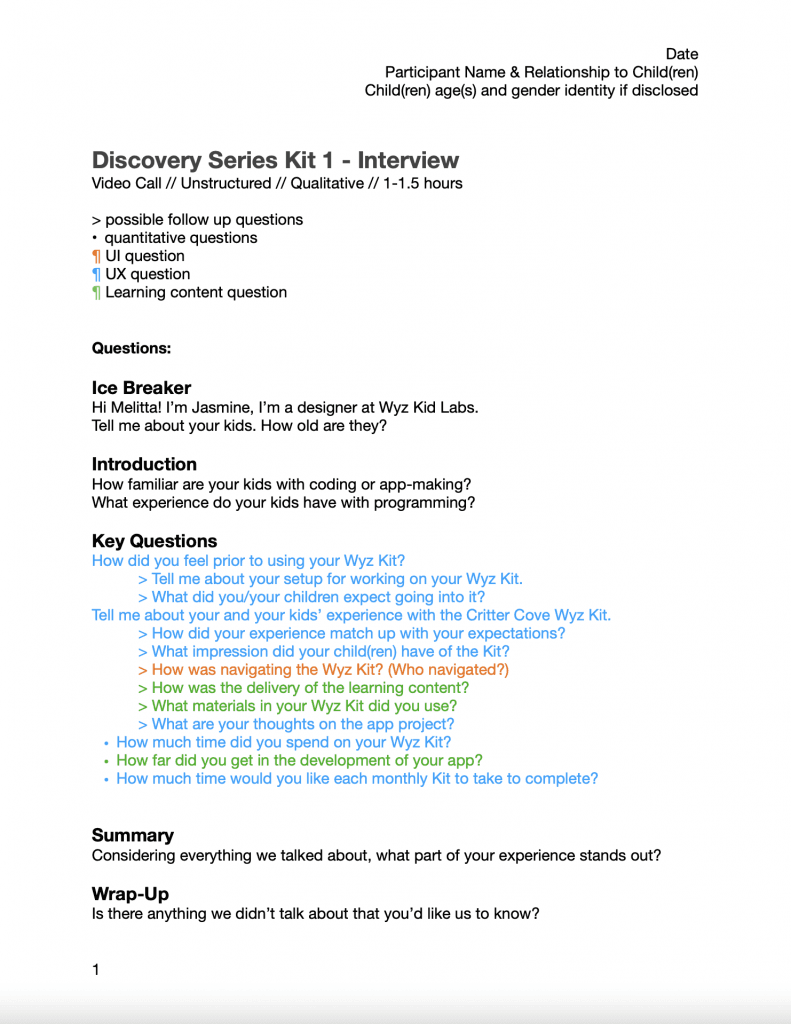
Topic guide for video call interview.
Usability testing insights + Actions
Through surveys and interviews we found that Guardians & Kids wanted:
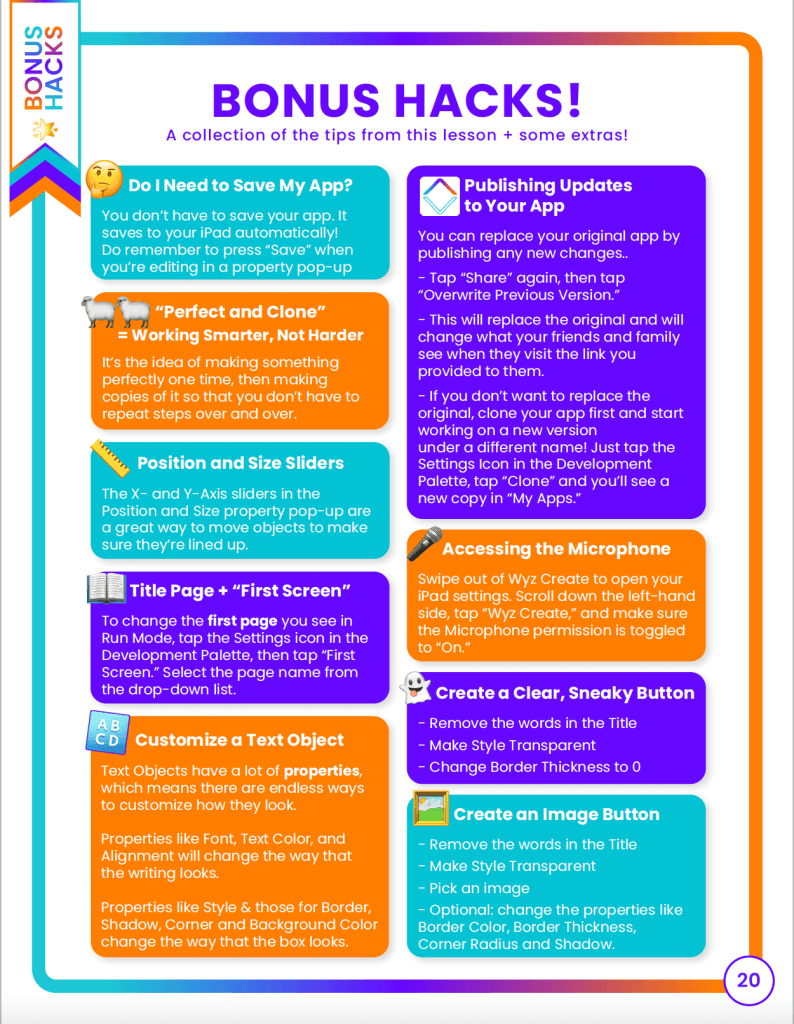
1. A way to easily reference key actions
We added special callouts to the Create section + designed a new Bonus Hacks section highlighting key actions all in one place
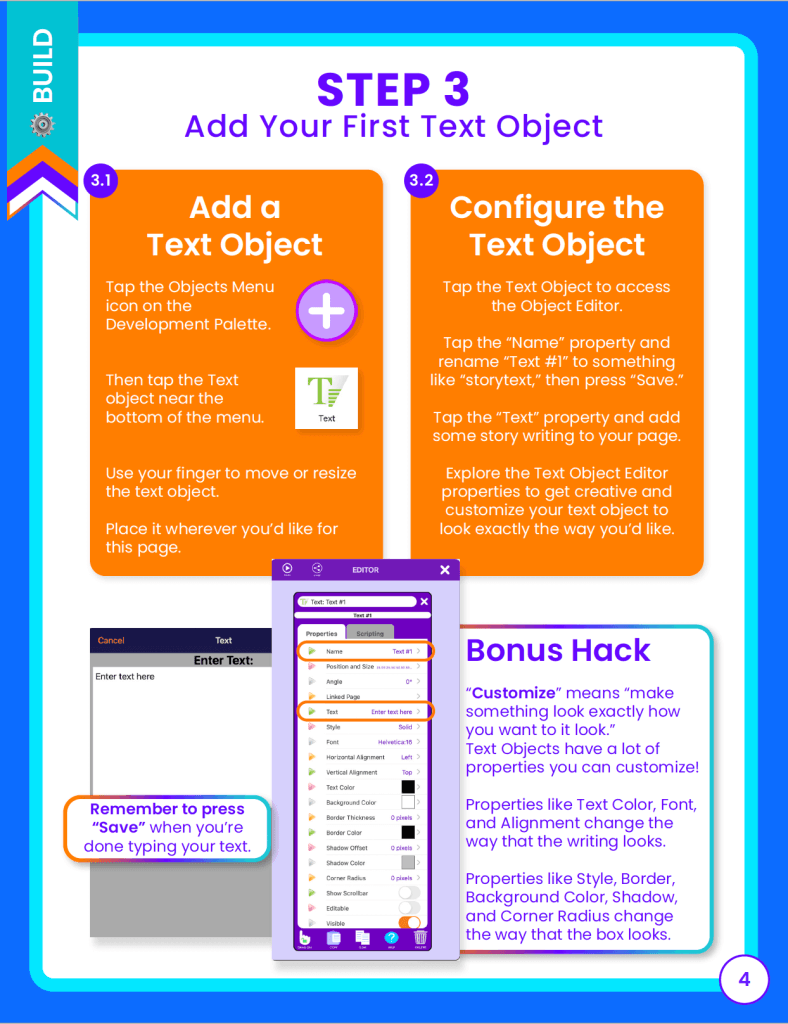
2. Access to the exact media used in the tutorials
Photos, graphics, sounds, and gifs used in the app-making tutorials were added to a dedicated folder in the media library
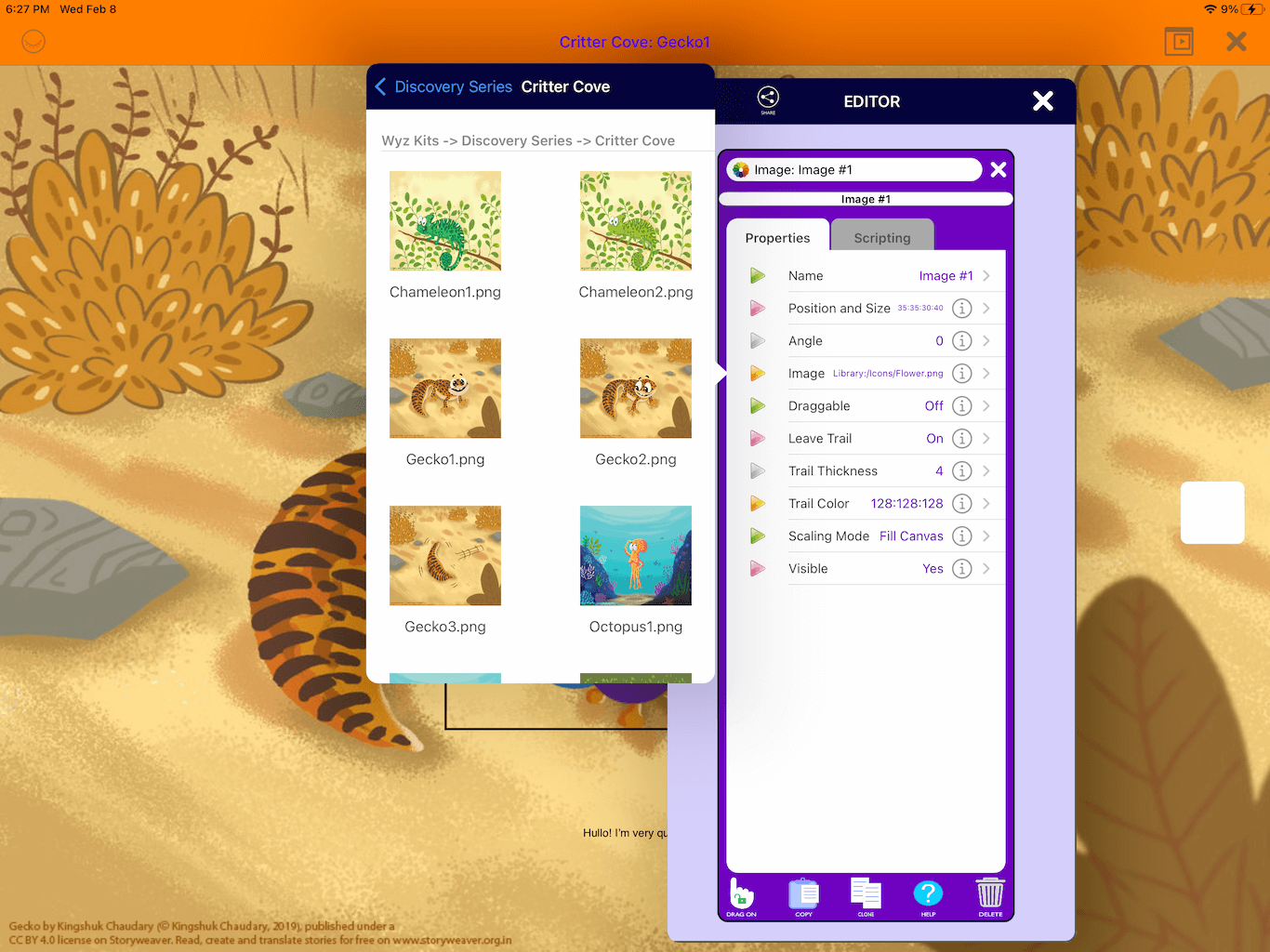
3. Complicated lessons to be broken down further
Complicated steps were broken down into substeps to make them easier to follow

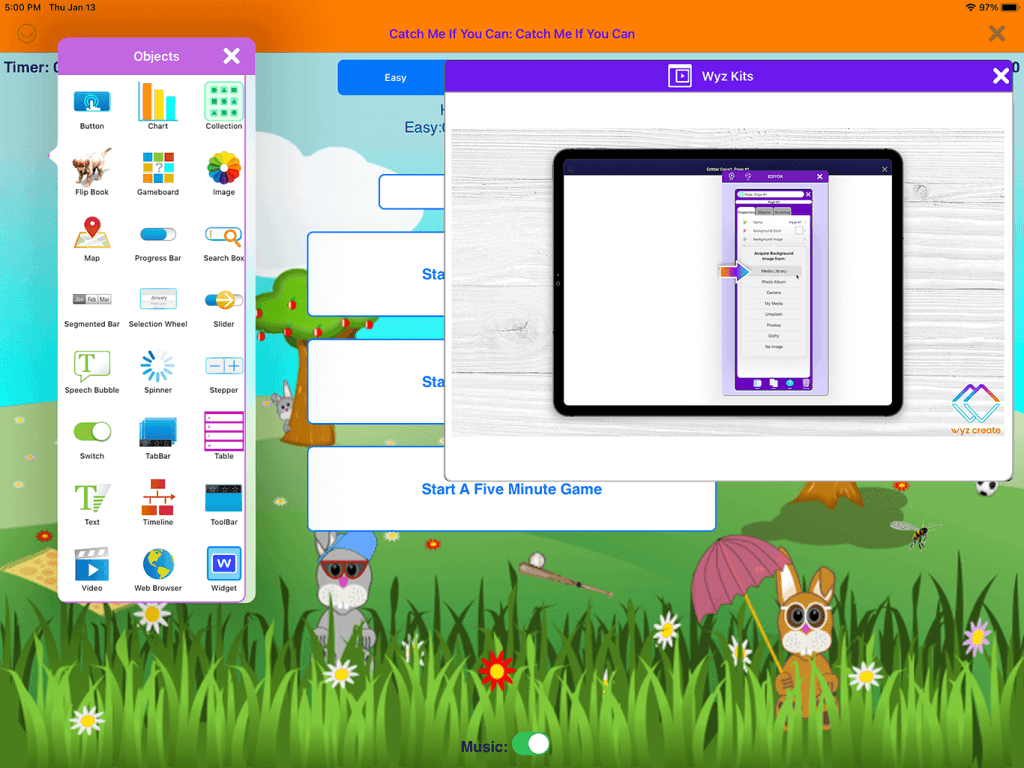
4. To have the option to use just one device without toggling between apps
An optional picture-in-picture feature was added that allowed tutorial videos to be played in the Wyz Create app while in development mode
7. Reflect
This was a HUGE undertaking of a project in an expedited time frame and the outcomes made us very proud as a team. Kids were able to create impressive apps within hours and have a greater handle of computationl thinking and logic, empowering them to break down complicated challenges into bite-size pieces.
As a small team, we did the same thing and broke down this ambitious project into smaller pieces, working toward MVP outputs while aiming to maintain a sense of magic for the families who came across Wyz Kits.
Below are a few points of reflection, including highlights and opportunities for improvement.
Highlights:
1. Templatizing and modularizing the creation of Wyz Kits proved invaluable to designing new Wyz Kits efficiently.
2. Working cross-functionally oftentimes overlapping domains helped us work faster. The ego-free zone we created benefited our goals immensely.